9
4.2 – Device Idencaon
The device idencaon feature allows the user to see which device is physically being congured.
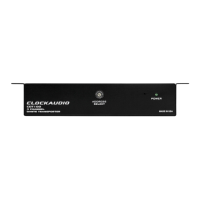
When the idenfy feature is acve, the power LED on the acve device will ash.
The Idenfy check box shows the state of the device idenfy feature. If the box is checked, the feature is acve on the acve unit.
If the check box is clear, the idenfy feature is inacve.
To change the state of the feature, simply click in the Idenfy check box to toggle its state from o to on or on to o.
The idenfy funcon will connue to operate unl the funcon is turned o via the user interface or the device is powered down.
CDT100 User Manual
© Clockaudio 2015


 To Next Page