AN279
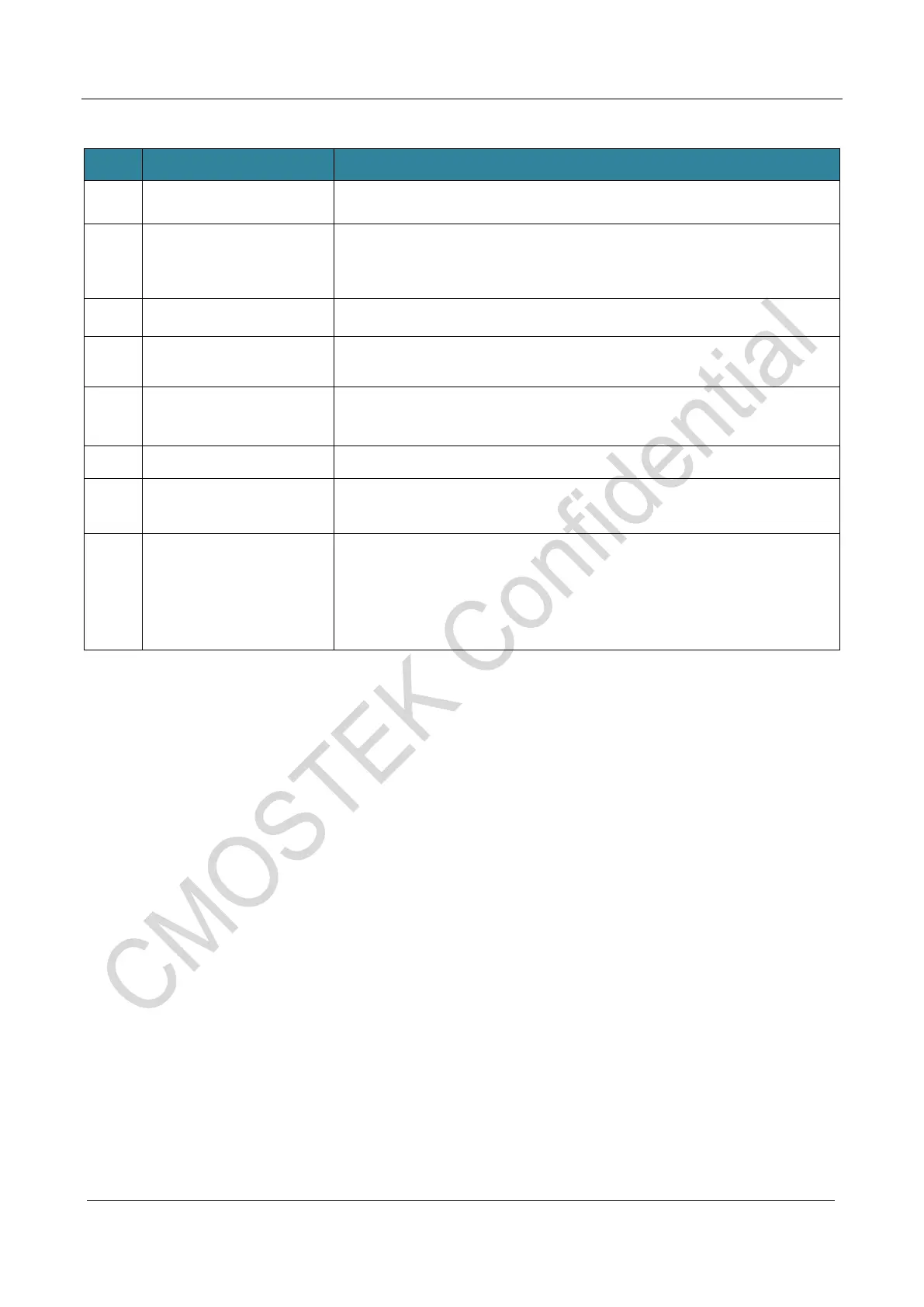
Table 12. User program and configuration download steps description
Num Name Description
1 Add File… Adding the hex document to be burned
2 Settings…
,
CMT216x chip burning option. Details see at
the following table “CMT216x MCU Setting” description. The dialog
box will be displayed automatically after the file is imported. Click the
"OK" button to save the settings.
3 OK(popup window) Click the OK button to confirm the burning configuration.
4 Download to Writer
,
Download burning configuration parameters and user
program to the offline writer.
5 Read Settings
,
read the original MCU configuration and display in
the current MCU config window,users can modify the configuration as
6 SoC PartNumber Automatically display as CMT216x
7 Parameters
The imported file and chip Flash size are used to check whether the
downloaded data is correct, including the file name, file size, and chip
8 Information
Import the file Checksum (in hexadecimal). The Checksum displayed
on the LCD of the burner must be the same as the Checksum
displayed here. If not, the LCD displays an error message of CFG CHK
ERR1. In this case, you need to download the Checksum again.



 To Next Page