EVAC-500 Voice Alarm & Evacuation System Operation Manual
34 / 42
message can not be off (zone can be open or off) under the emergency mode.
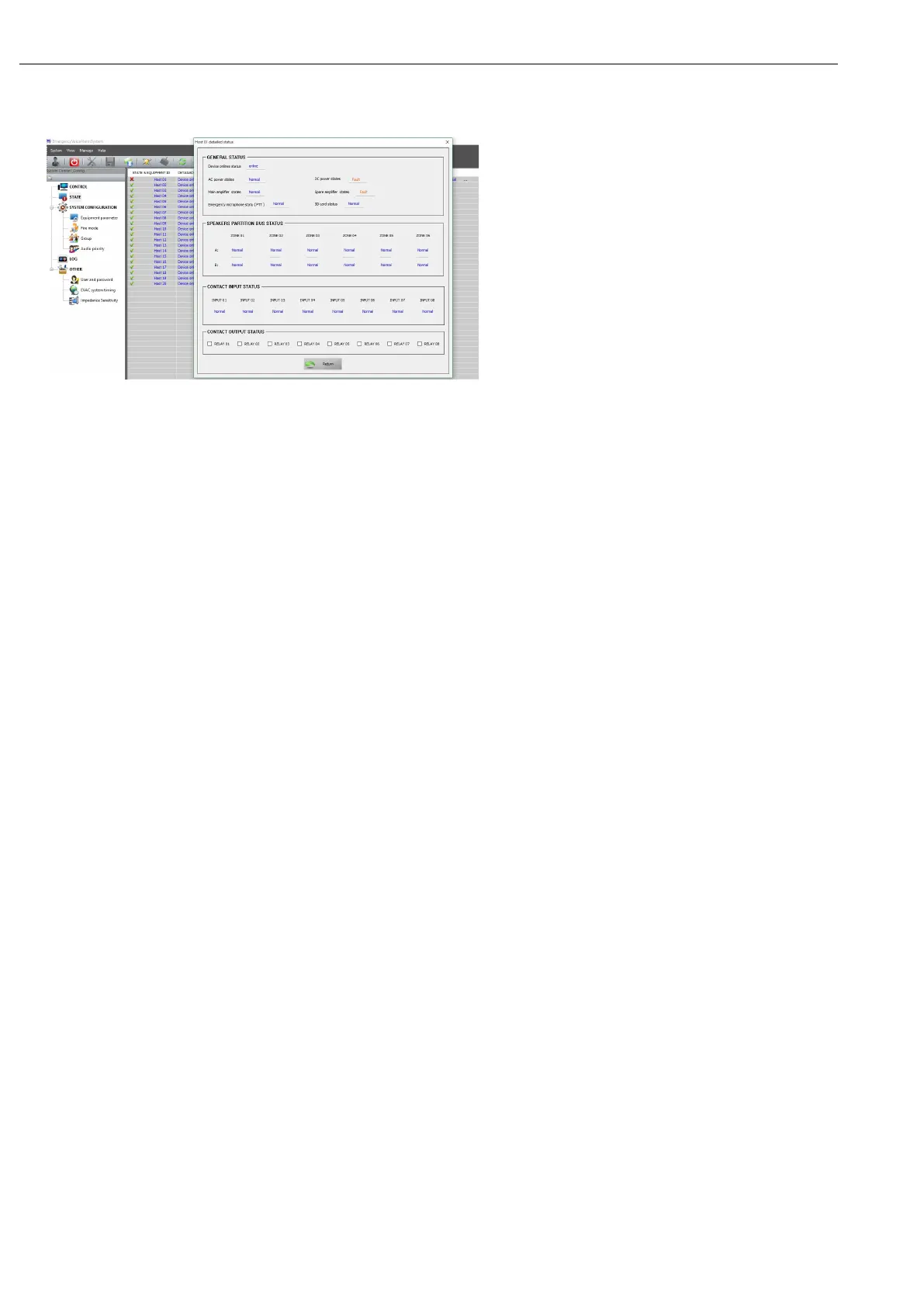
② You can check Yellow LED by click ”State” then double click the item you need to check
Operation and control
① The operation of assigned host and assigned zone are as below (to output the assigned audio or turn off the
zones)
There will be come out one button when move the mouse to the middle of ‘HOST ID’, then click “zone 0X”
then click it again to control the zone (the button will be disappear automatically if click the mouse at
anywhere except the button)
② The single zone control of assigned host
For example, if want to control zone 2 of the host, only need to find ‘ZONE 02’from the right of ‘01’ , which
under ‘HOST ID’, then click.
③ Group control (output the assigned audio)
Choose the target zone: use the mouse to choose the corresponding group from the left middle (the list box
from the right middle will indicated the zones of the current group)
To choose the output audio: use the mouse to click ‘EVAC MESSAGE’ (it need on emergency status) or
‘LINEINPUT AUDIO’ audio on the right side.
All system zones control(for sure it will be the same result if you put all the system zones to one group or multi
groups) Choose the target zone: Click “all zones” then choose output audio (Click ‘EVAC MESSAGE’(it need to
be a emergency status) or ‘LINEINPUT AUDIO’ audio from the right side).
④
Turn off the group
1. Choose the target zone
2. To choose the output audio: use the mouse to click ‘EVAC MESSAGE’(it need to be a emergency status) or
‘LINEINPUT AUDIO’ audio from the right side.
The user can set the number of business microphones or fire microphones that need to be connected to the
host by "Quantity allocation (0 ~ 32)", and click "Address assignment ..." to set the working parameters of the
microphone:
The user can enable or disable a single partition of the host or extended host according to the actual situation. If
the check box of the partition of the PARTITION ENABLE CONFIGURATION is enabled, Indicates that the


 To Next Page