EVAC-500 Voice Alarm & Evacuation System Operation Manual
38 / 42
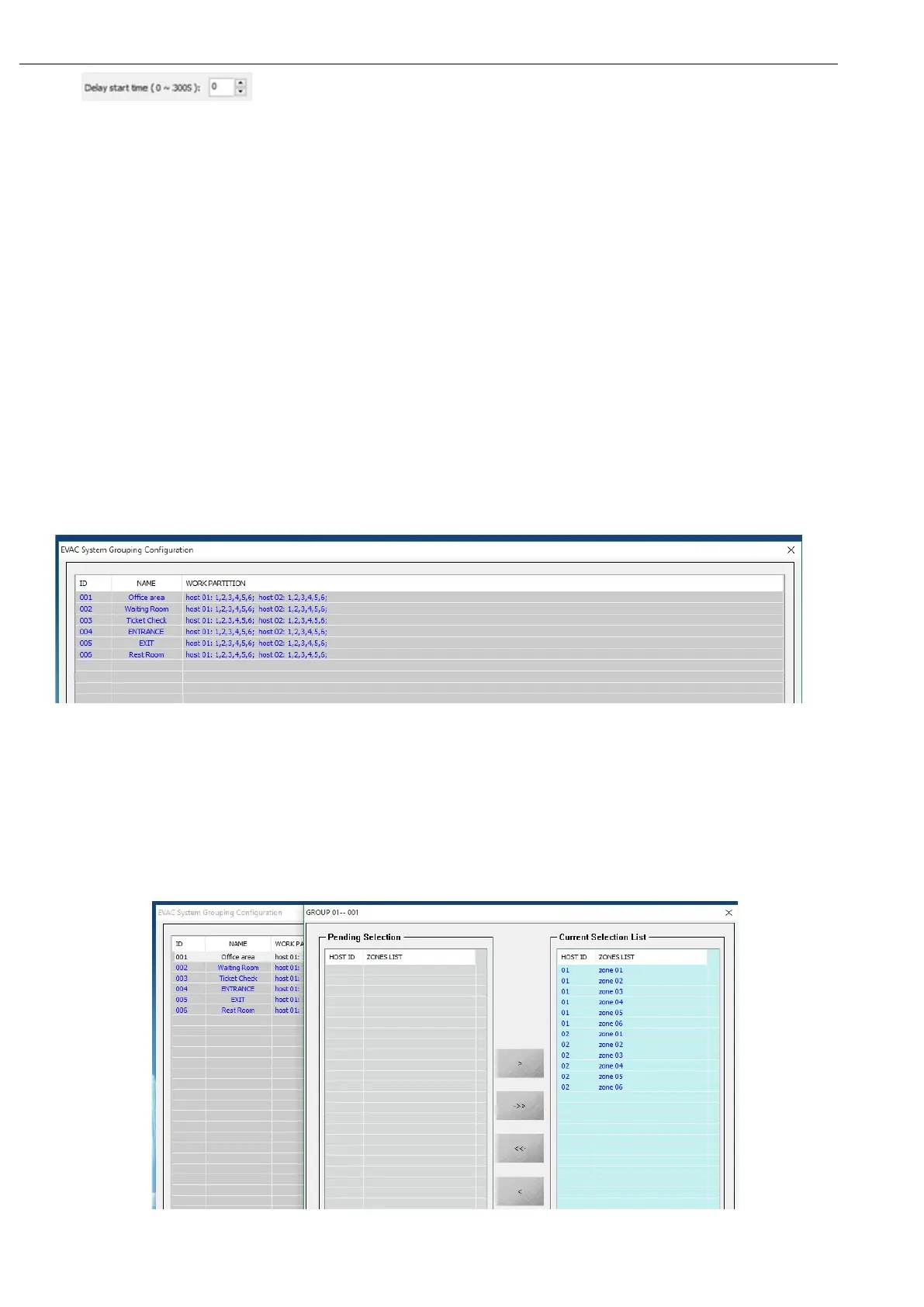
wait for " " to set the delay time and output the EVAC voice message to the corresponding area
of the current contact and press the right Play mode Select the playback mode "Specify the time to play" and the
number of times to play the "the number of times to play" and "1" under "2" to play ALERT information, cycle, until reset
Fire.
Note:
(1). Different contacts choose different types of EVAC, such as the contact 01 of the host 01 1 selected EVAC,
contact 2 selected ALERT, after the trigger, the final high-priority voice type will play, low priority voice will stop
(2). Different contacts select the same type of voice information, after the trigger, after the trigger of the voice
information will not play, but after the trigger fire will be superimposed on the output of EVAC voice information;
(3) When "Alarm mode" is selected as: "Neighboring mode", EVAC and ALERT information must be selected, the user
can not modify, has triggered the partition system automatically superimposed on the current output of the fire zone;
6.3.6. Zone Group Configuration
Click “SYSTEM CONFIGURATION” then “Group” as below:
Description:
1. “ID” is a zone name number;
2. “NAME” this is name user, usually use an easy remember name so you can remember it easily. Such as below
(system default is “GROUP 01...),Click the item then enter modify mode(max 12 character),press “Enter” to set
next group;
3. “WORK PARTITION” show zone list in current group, double click can add or delete sub item;
① Left top of dialog box show current zone number;


 To Next Page