EDGE Installation Manual
www.cobantech.com Page 31 of 40
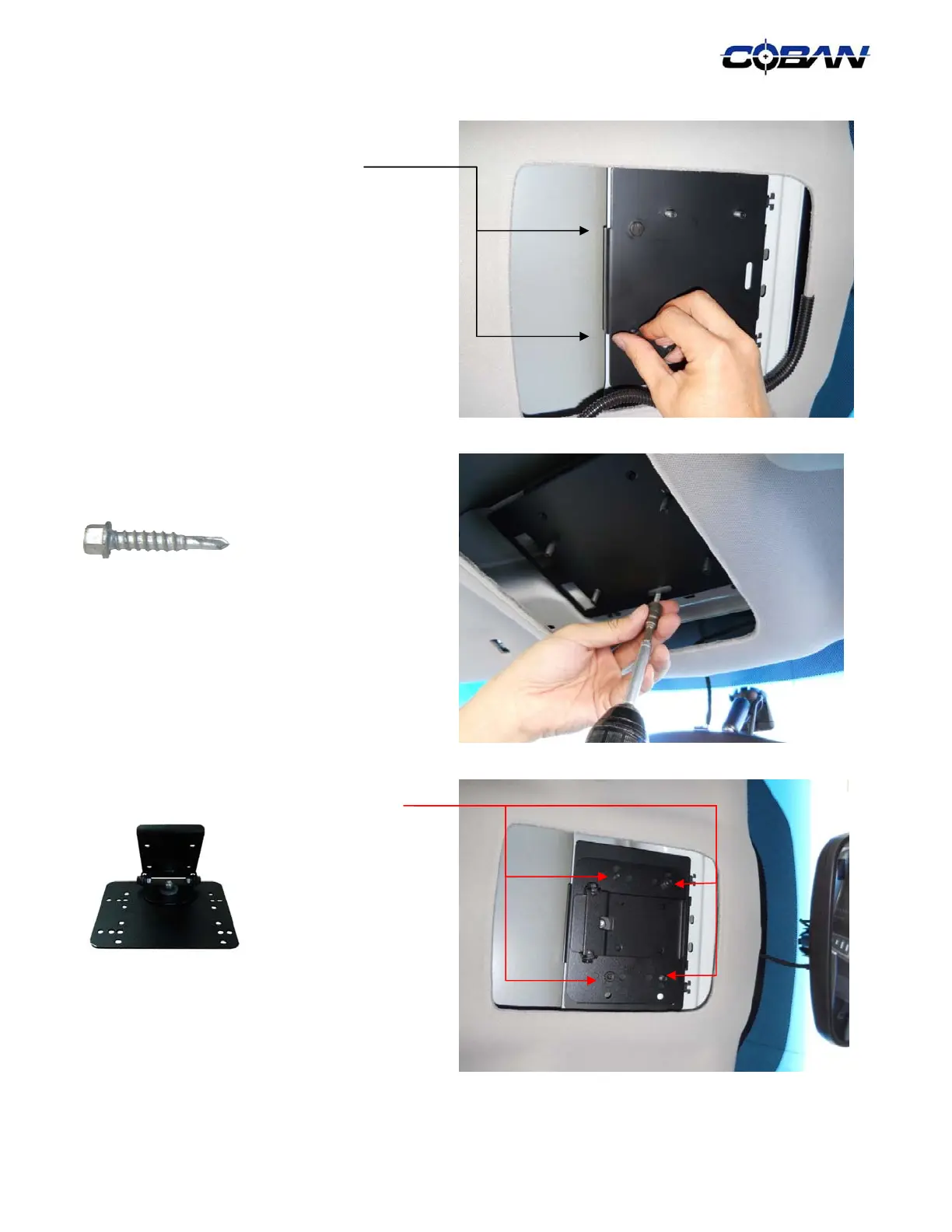
6. Secure the back part of the adapter plate by
using the two (2) provided ¼ - 20 hex bolts
7. Secure the front of the adapter plate using
one (1) provided # 10-16 x ¾ " self tapping
screws.
NOTE: To ensure a solid mount, make sure the
monitor mount is screwed onto the support beam.
8. Secure the monitor mount with four (4)
provided ¼ -20 kep nuts.



 To Next Page