EDGE Installation Manual
www.cobantech.com Page 32 of 40
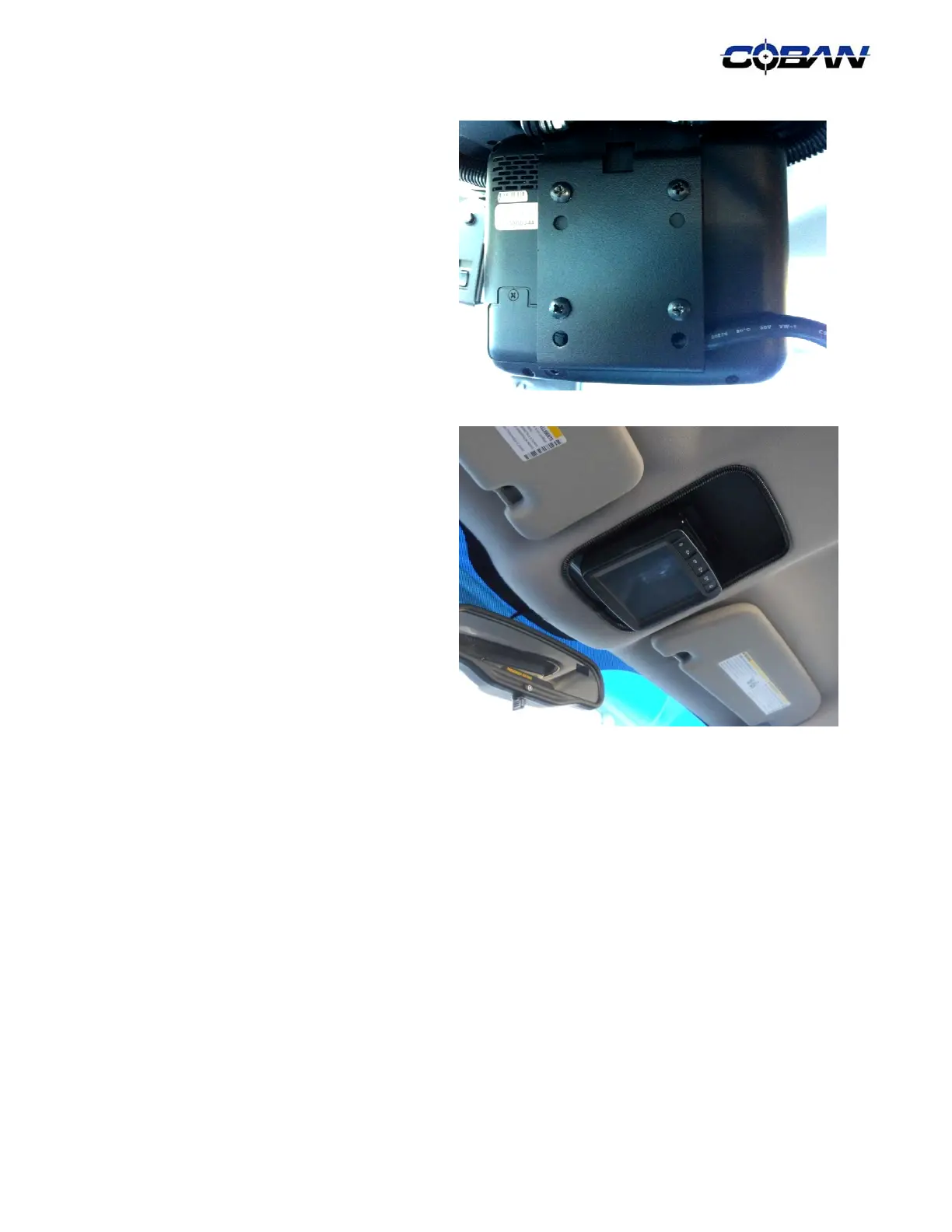
9. Use four (4) provided # 10-32 x 3/8" Philips
pan head screws to secure the Edge
monitor to the back of the monitor mount.
10. Dress the cutout of dome light area with 1/4"
Split Loom.
11. Secure and zip ties the cable to the mount.
Please ensure there are enough slack on
the cable to allow rotation of the monitor.



 To Next Page