11111
9
Connect a phone to WLAN or LAN for making
calls
Your smartphone or IP phone can be set up to make and receive calls over the BGAN
network, using the terminal’s phone number. You can also make local calls to other handsets
connected to the EXPLORER 710.
NOTE: Make sure your phone has an integrated SIP client. If you do not have a SIP client,
you can find SIP applications available for download on the Internet.
First time setup
If it is the first time you connect your phone to the LAN or WLAN interface for making calls,
you must first set up the SIP server details in your smartphone. For information how, see the
user documentation for your smartphone and the SIP application. You may be asked to enter
some of the following details:
• SIP server address and port Default address: 192.168.0.1, Port: 5060
• User name Local no. in EXPLORER 710 (0501 to 0516)
• Password Default same as user name
• Codec priority Highest priority codec type: G.711
The user name and password must match the IP handset settings in the web interface of the
EXPLORER 710.
To connect your smartphone for making calls
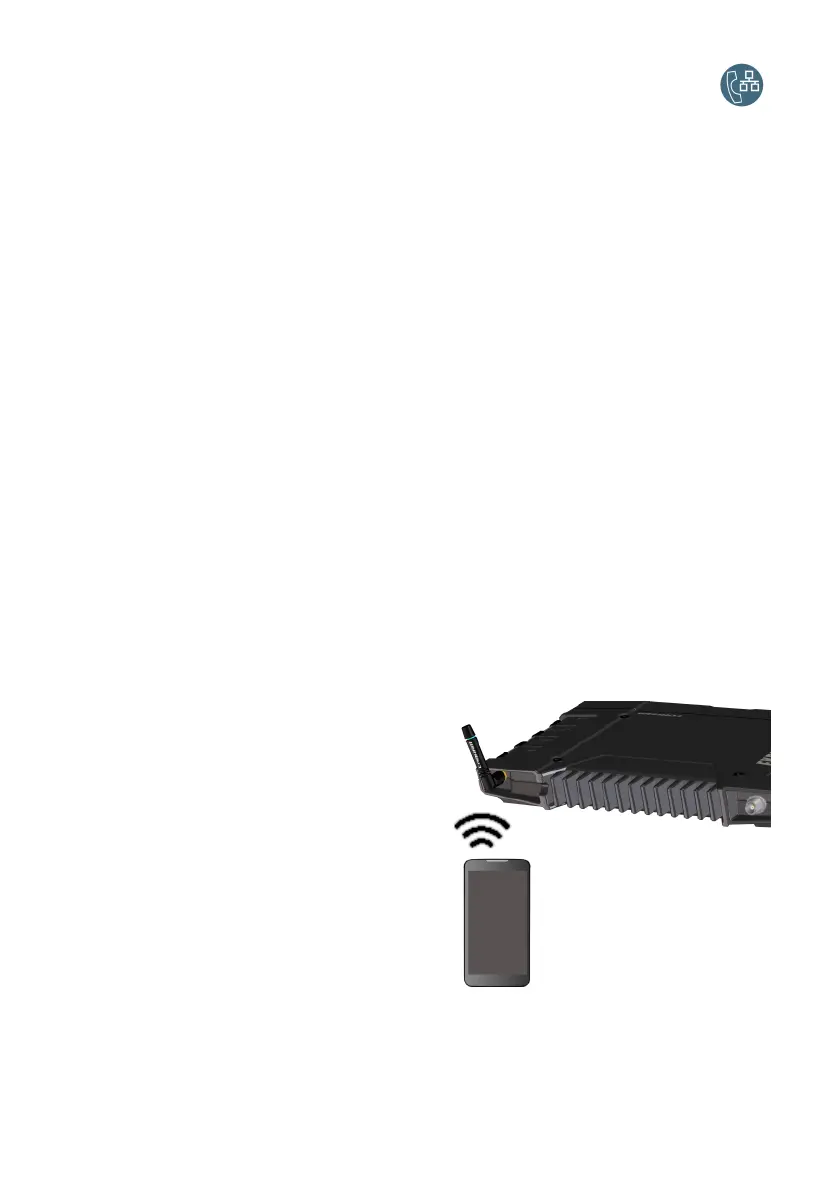
To use your phone to make calls through the EXPLORER 710 using WLAN, do as follows:
1. Start up the EXPLORER 710 terminal.
2. Connect your smartphone to the
wireless access point of the
EXPLORER 710.
See Connect to WLAN on page 7.
3. Start your SIP application.
You should now be ready to make and
receive calls over BGAN.



 To Next Page