12
Display menu
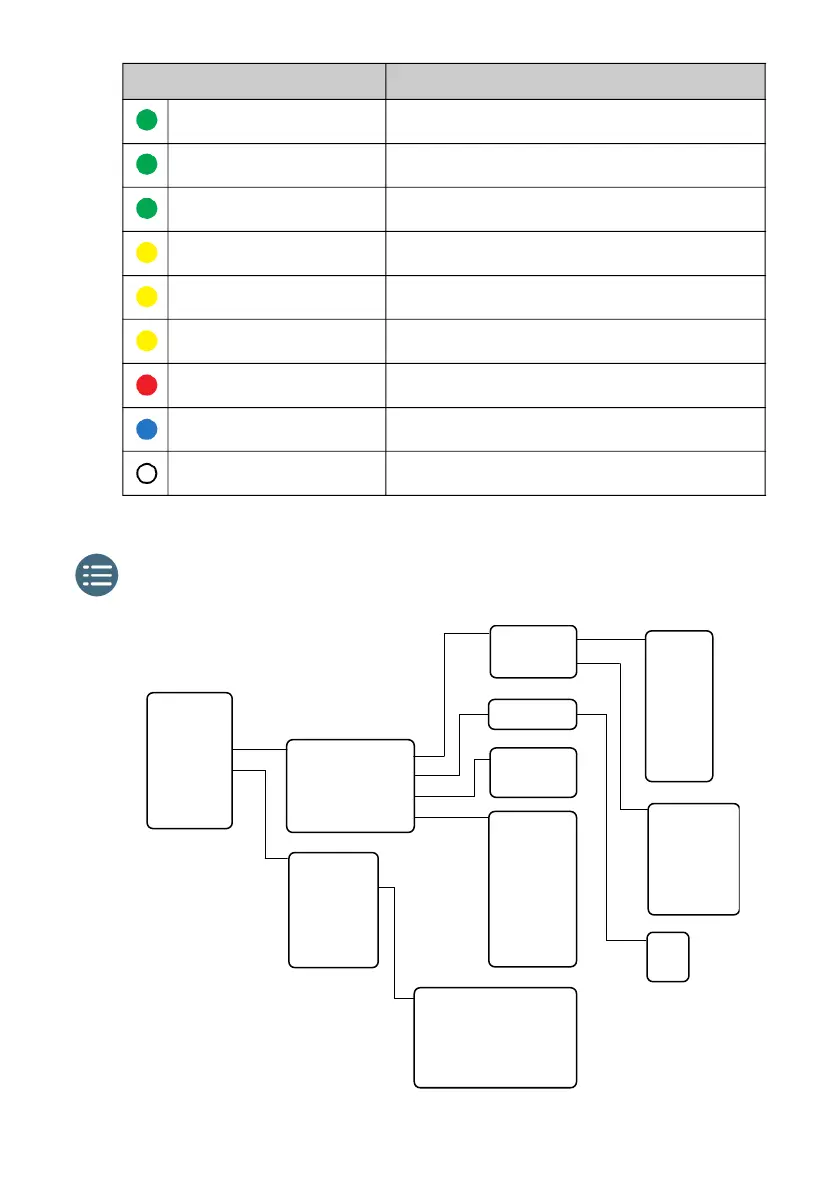
Indicator pattern Meaning
Green flashing rapidly Starting up
Green flashing slowly Power on (ready)
Green constant Power on with DC input
Yellow flashing slowly Battery charging
Yellow flashing rapidly Closing down
Yellow constant Warning (user recoverable)
Red constant Error. See the display or the web interface.
Blue flashing Uploading software to the terminal
Off Power off
5 seconds
30 seconds
1 minute
2 minutes
5 minutes
Level 1
Level 2
Level 3
Level 4
Level 5
Level 6
Level 7
English
Français
Deutsch
Ɋɭɫɫɤɢɣ
Español
୰ᩥ
᪥ᮏㄒ
Display
Audio indication
Power-up mode
Language
IP address
Hardware
Software
Conformity
IMEI
Automatic
Manual
Brightness
Timeout
Exit
Point now
Settings
Properties
Help desk
Events
Pointing
On
Off
Unit serial number
Antenna serial number
MAC for LAN
MAC for WLAN



 To Next Page