Chapter 2: Operation
32 DSC calls
Session state icons
Session icons in the session view inform you of the severity or category of
the DSC call or Voice communication:
• D — Distress category
• U — Urgency
• S — Safety
• R — Routine
• — Voice (voice call, non-DSC)
• T — Telex
Session line
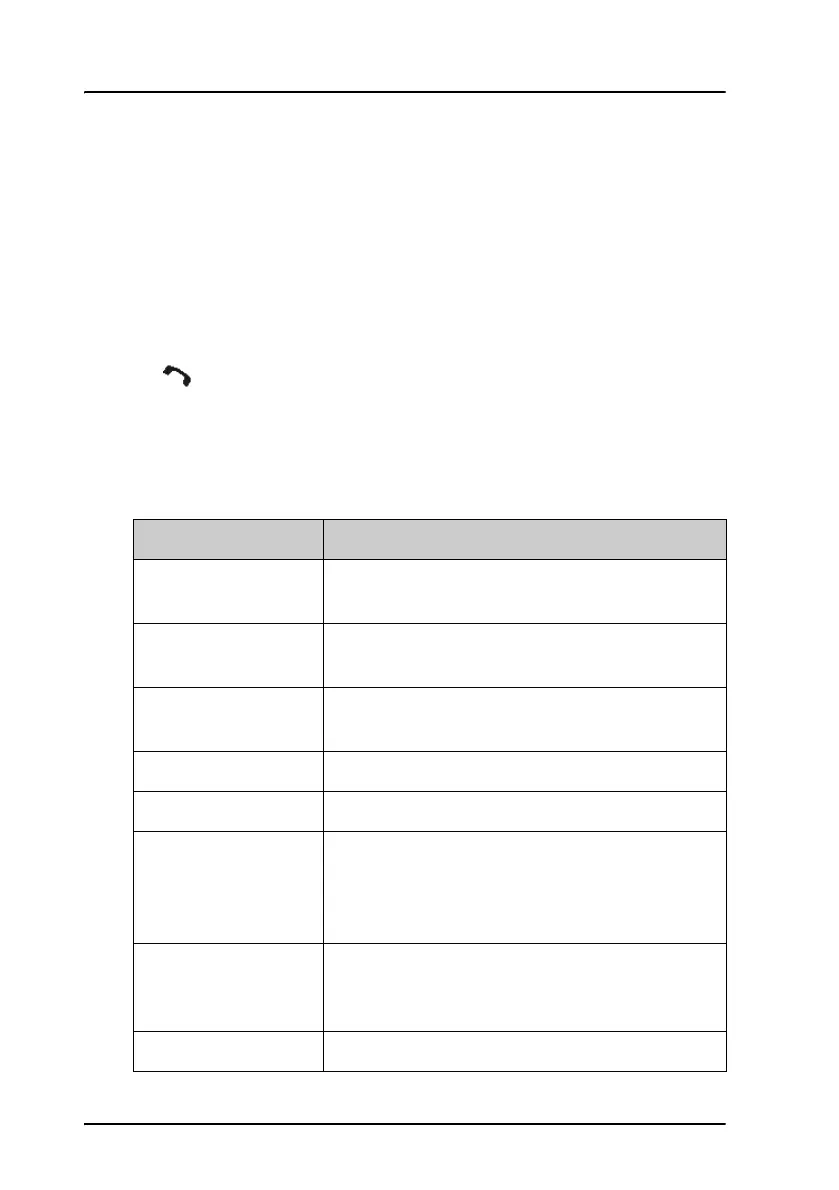
The following table gives an overview of the information in the session line:
Session line Explanation
OWN Distress The ship is in own Distress. See also To send a
Distress alert on page 22.
Distress RX You watch or participate in a Distress
communication for another station in Distress
RELAY calls
(numerous)
You watch or participate in a Distress
communication for another station in Distress
ALL SHIPS TX/RX You have sent / received an all ships call
GROUP TX/RX You have sent / received a group call
INDIVIDUAL TX/RX You have either sent a call request to a station to
establish contact, or another station has made a
call to you to establish contact. The call needs a
reply.
TEST TX/RX You either have sent a SAFETY TEST call or have
received a SAFETY TEST call from another station
that needs to be replied.
POSITION TX/RX A position request was either sent or received.



 To Next Page