Chapter 2: Operation
DSC calls 33
2222
Session status
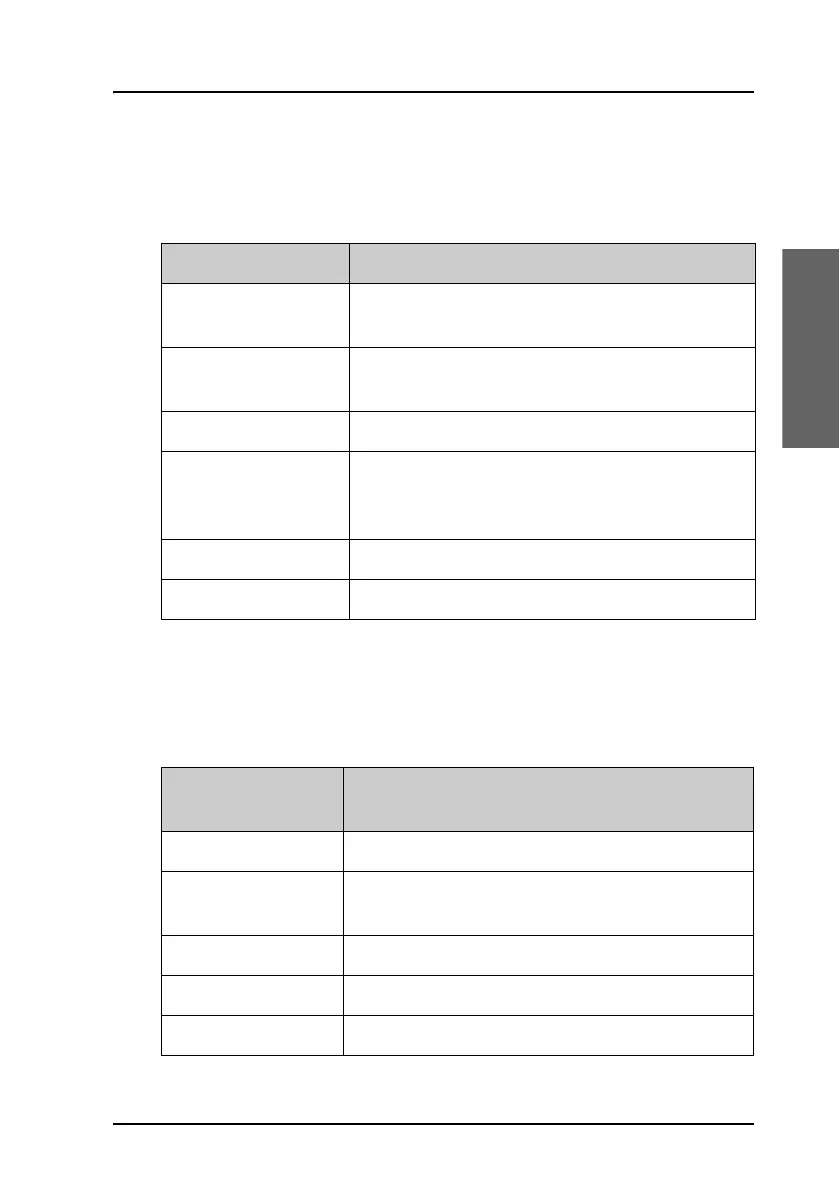
The following table gives an overview of the information in the session
status:
Soft keys for DSC sessions
Call/session types vary in control options, and options may also change if a
session changes its state. The following table gives an overview of the DSC
soft key commands available:
Session status Explanation
WAIT FOR
ACKNOWLEDGE
You made an individual call to a station and are
awaiting a reply to establish connection.
OCCUPIED The DSC transmission mechanism waits until the
selected DSC channel is free.
TRANSMITTING Transmission of a DSC message is ongoing.
IN
COMMUNICATION
WITH
The communication has been established
ACKNOWLEDGED Pertinent to distress call sessions
LINK FOR COM Pertinent to Area and Group call sessions
Soft key — DSC
session
Radio function
QUIT Terminates the DSC session
HOLD Puts the DSC session on hold if it is active (return
to other non-DSC functions)
ACTIVE Activates the DSC session
VIEW Shows details about the DSC call
RESEND Transmits an identical call if available



 To Next Page