EasyManua.ls Logo

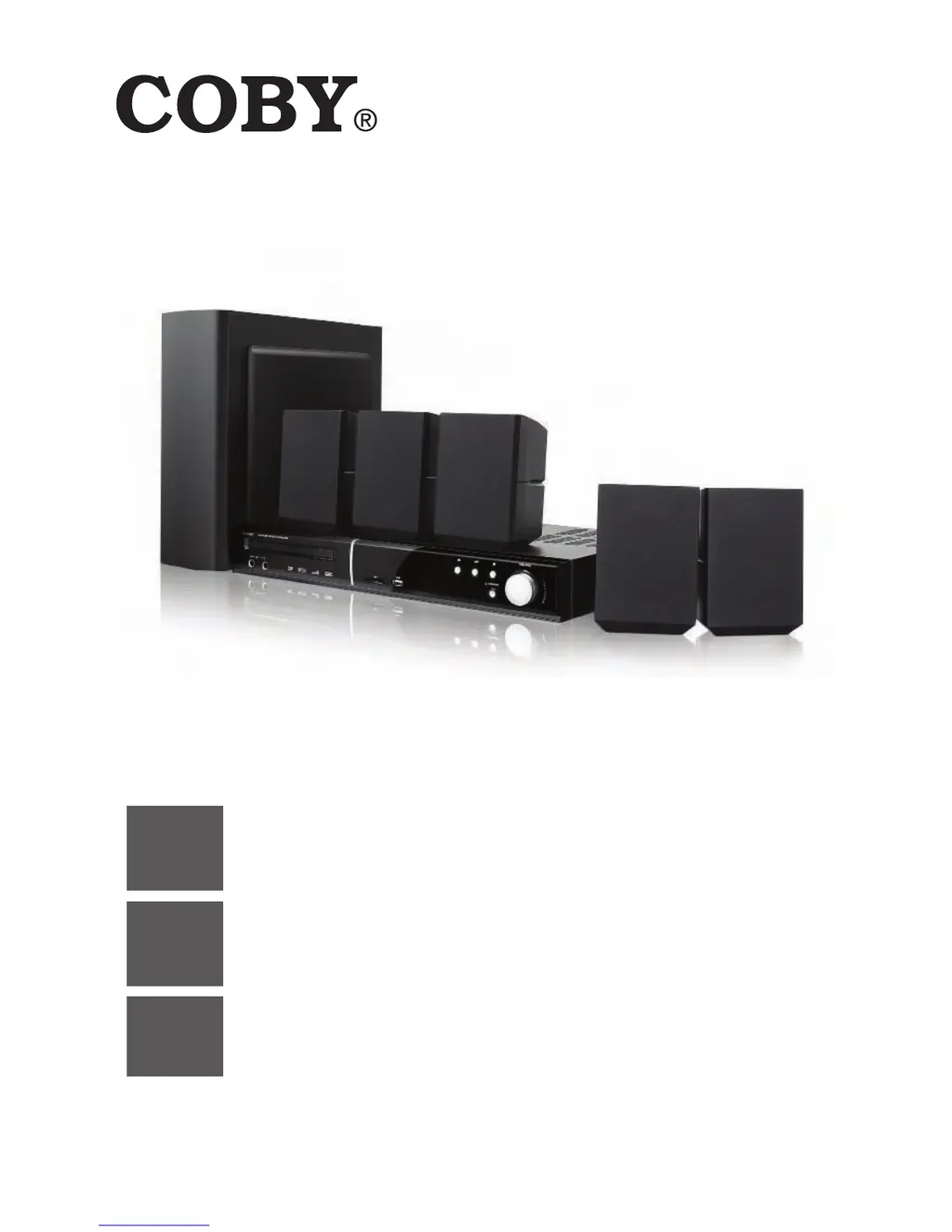
Coby DVD938 - User Manual

Coby DVD938
180 pages
Print Icon
To Next Page IconTo Next Page
Loading...
EN
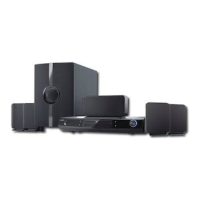
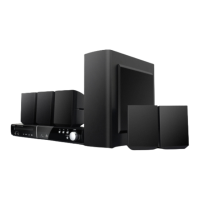
5.1-Channel Home Theater DVD System
Instruction Manual ............................................Page 2
ES
Sistema DVD Home Theater de 5.1 canales
Manual de la instrucción ..............................................Page 60
FR
Système Cinéma-Maison DVD de Canaux 5.1
Manuel d’instruction ................................................... Page 120
Please read carefully before use • Léa el manual antes de usar •
Veuillez lire ce livret avant utilisation
DVD938

Table of Contents

Questions and Answers

  • J
    Jacqueline HollowayAug 11, 2025
    Why is my Coby DVD938 remote control not working?
    • A
      Anthony MonroeAug 11, 2025
      If the remote control for your Coby Home Theater System isn't working, consider these possible causes: * The remote may need new batteries. Install two AAA/1.5V batteries or replace the old ones with new batteries. * Ensure there are no obstructions between the remote control and the sensor on the front panel of the unit and that the remote control is within 15 feet of the sensor. * The unit may have shut down. In this case, switch the unit off and disconnect it from the AC outlet, then reconnect the power and switch it on again.
  • J
    Joel VazquezAug 19, 2025
    What to do if there is no sound on my Coby Home Theater System?
    • A
      Austin WoodardAug 19, 2025
      If you're experiencing sound issues with your Coby Home Theater System, here are a few things to check: * Make sure the audio cables are securely connected. * Ensure the volume isn't set too low; turn up the volume. * Verify that the sound isn't muted by pressing the button on the remote control. * If a disc is playing in fast forward/rewind, press .
  • M
    Megan SmithAug 26, 2025
    How do I fix a distorted picture on my Coby Home Theater System?
    • R
      Rebekah EllisAug 26, 2025
      If you're experiencing picture problems with your Coby Home Theater System, here are some things to try: * Ensure the TV is set to the correct source mode using the “Source” or “TV/Video” button. Refer to your TV's documentation for details. * Press the button repeatedly until the picture returns to normal. * Check that the video cable is securely connected.
  • B
    Bethany BrownSep 2, 2025
    Why won't my Coby DVD938 play a disc?
    • J
      Jason BaldwinSep 2, 2025
      If your Coby Home Theater System is having trouble playing a disc, consider the following: * Make sure the disc is loaded correctly with the label side facing upwards. * The disc may be incompatible with the unit. Refer to the About Optical Discs section of this manual to review disc compatibility requirements. * Check the Parental Control settings; the disc's rating might be too high. Reset or lower the Parental Control settings in the System Setup menu. * The disc may be dirty and need cleaning.

Coby DVD938 Specifications

General IconGeneral
TypeDVD Player
Remote ControlYes
Progressive ScanYes
Power SupplyAC 120V, 60Hz
Playable Media FormatCD, DVD, MP3, JPEG
Video Formats SupportedMPEG-2
Audio Formats SupportedMP3
OutputsComposite Video
Video OutputComposite Video
Audio OutputDigital Audio Coaxial
Disc CompatibilityDVD-R/RW, CD-R/RW

Related product manuals