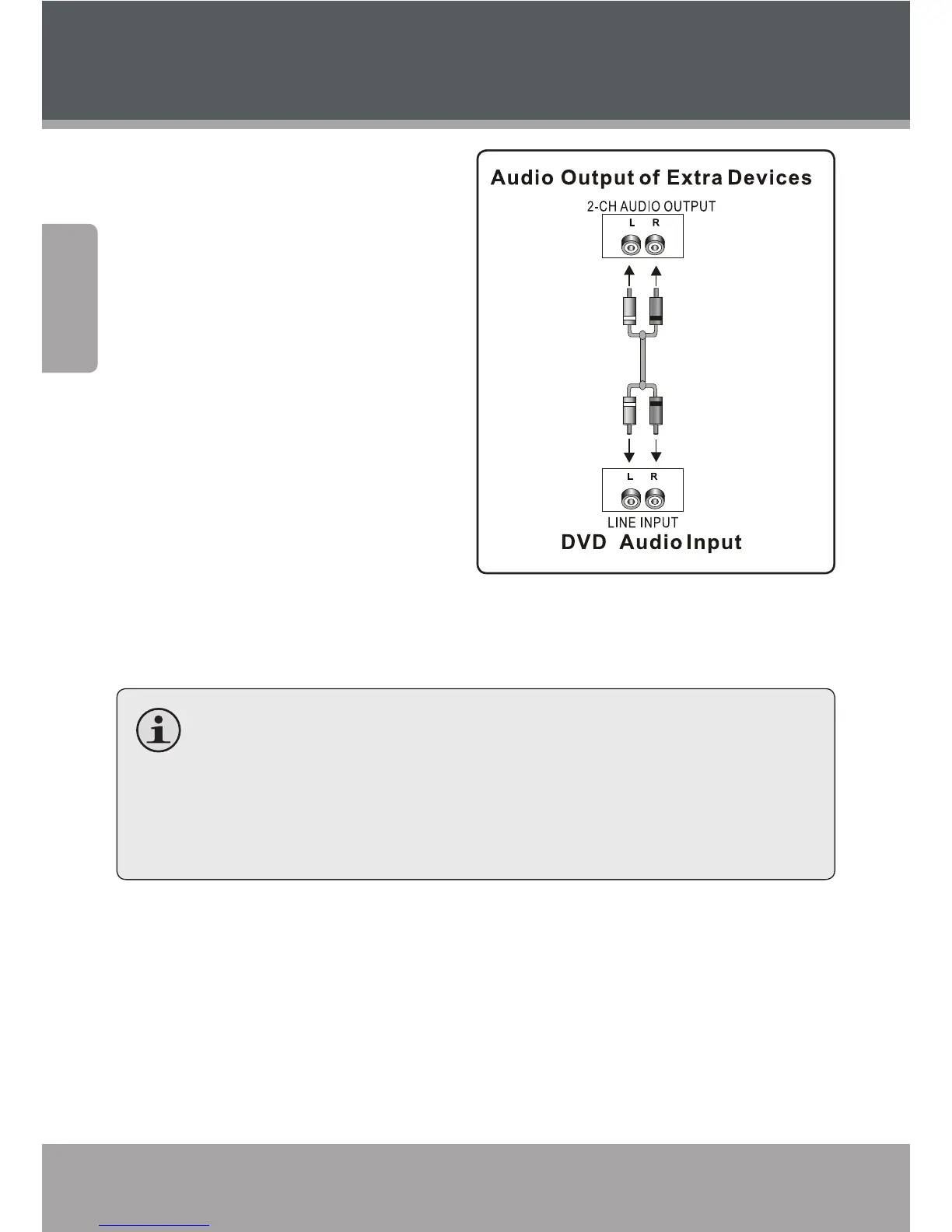
Stereo Line Input
For use with an external play-
back device with stereo audio
output (e.g., a VCR, MP, or CD
player). Using an optional RCA
stereo audio patch cable:
Connect one end of the 1.
white and red cables to the
white and red Line Input
jacks of the unit (L, R).
Connect the other end of the 2.
cable to the output jack(s) of
an external audio playback
device.
After this connection has been made, press <SOURCE> on the remote
to switch to “LINE” mode to enjoy audio from the external device.
Depending on the type of patch cable used, you can use this
connection with external devices with a 3.5mm stereo output
jack or RCA stereo output jacks.
Please refer to the documentation included with your external
audio system for further help using this connection.
Connections



 To Next Page