EasyManua.ls Logo

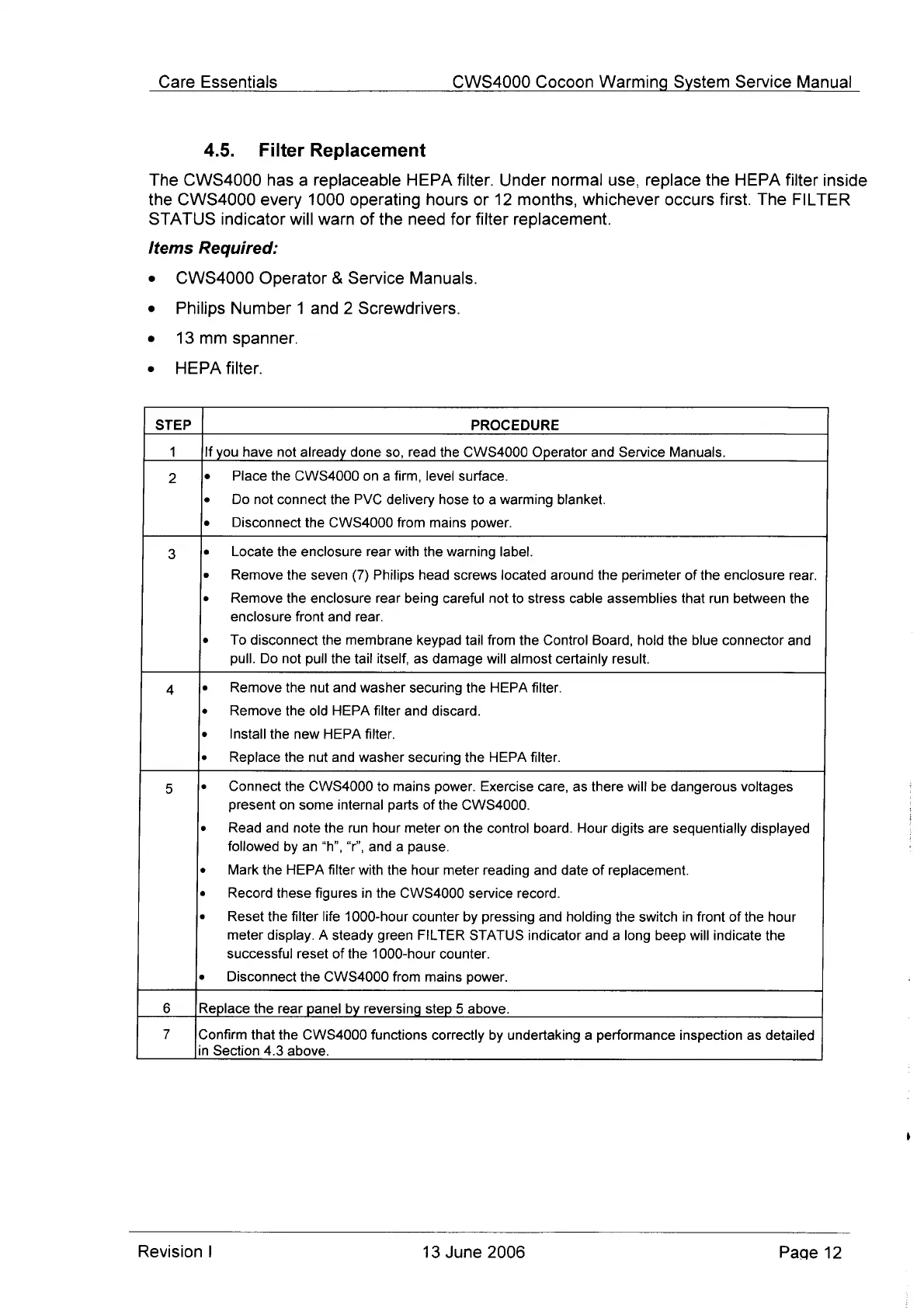
Cocoon CWS 4000 - Filter Replacement

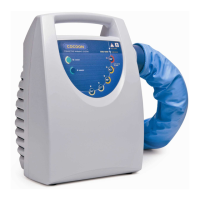
Cocoon CWS 4000
26 pages
Print Icon
To Next Page IconTo Next Page
To Previous Page IconTo Previous Page
Loading...
Care
Essentials
CWS4000
Cocoon
Warming
System
Service
Manual
4.5.
Filter
Replacement
The
CWS4000
has
a
replaceable
HEPA
filter.
Under
normal
use,
replace
the
HEPA
filter
inside
the
CWS4000
every
1000
operating
hours
or
12
months,
whichever
occurs
first.
The
FILTER
STATUS
indicator
will
warn
of
the
need
for
filter
replacement.
Items
Required:
e
CWS4000
Operator
Service
Manuals.
e
Philips
Number
1
and
2
Screwdrivers.
e
13mm
spanner.
e
HEPA
filter.
STEP
PROCEDURE
1
If
you
have
not
already
done
so,
read
the
CWS4000
Operator
and
Service
Manuals.
2
e
Place
the
CWS4000
on
a
firm,
level
surface.
e
Donot
connect
the
PVC
delivery
hose
to
a
warming
blanket.
e
Disconnect
the
CWS4000
from
mains
power.
3
e
Locate
the
enclosure
rear
with
the
warning
label.
e
Remove
the
seven
(7)
Philips
head
screws
located
around
the
perimeter
of
the
enclosure
rear.
e
Remove
the
enclosure
rear
being
careful
not
to
stress
cable
assemblies
that
run
between
the
enclosure
front
and
rear.
e
To
disconnect
the
membrane
keypad
tail
from
the
Control
Board,
hold
the
blue
connector
and
pull.
Do
not
pull
the
tail
itself,
as
damage
will
almost
certainly
result.
4
e
Remove
the
nut
and
washer
securing
the
HEPA
filter.
e
Remove
the
old
HEPA
filter
and
discard.
e
Install
the
new
HEPA
filter.
e
Replace
the nut
and
washer
securing
the
HEPA
filter.
5
e
Connect
the
CWS4000
to
mains
power.
Exercise
care,
as
there
will
be
dangerous
voltages
present
on
some
internal parts
of
the
CWS4000.
e
Read
and
note
the run
hour
meter
on
the
control
board.
Hour
digits
are
sequentially
displayed
followed
by
an
“h",
“r’,
and
a
pause.
Mark
the
HEPA
filter
with
the
hour
meter
reading
and
date
of
replacement.
e
Record
these
figures
in
the
CWS4000
service
record.
e
Reset
the
filter
life
1000-hour
counter
by
pressing
and holding
the
switch
in
front
of
the
hour
meter
display.
A
steady
green
FILTER
STATUS
indicator
and
a
long
beep
will
indicate
the
successful
reset
of
the
1000-hour
counter.
e
Disconnect
the
CWS4000
from
mains
power.
6
Replace
the
rear
panel
by
reversing
step
5
above.
7
Confirm
that
the
CWS4000
functions
correctly
by
undertaking
a
performance
inspection
as
detailed
in
Section
4.3
above.
Revision
|
13
June
2006
Page
12

Other manuals for Cocoon CWS 4000

Related product manuals