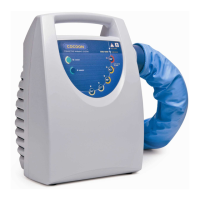
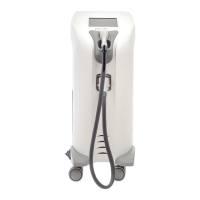
Need help?
Do you have a question about the Cocoon Cooltech and is the answer not in the manual?
Guides users through the process of unpacking and setting up the Cooltech equipment.
Details the electronic block and its constituent parts, including Main CPU and TFT.
Provides guidelines for general cleaning, maintenance, and accessory handling.
Lists codes for accessing specific settings and parameters of the equipment.
Explains the procedure for updating the equipment's software version.
Describes alarms that appear on the screen, indicating fault types and their impact.
Addresses the alarm for low coolant level and troubleshooting steps.
Covers common equipment faults, including power issues and screen malfunctions.
Provides steps to diagnose and resolve issues when the equipment fails to power on.
 General
| Brand | Cocoon |
|---|---|
| Model | Cooltech |
| Category | Medical Equipment |
| Language | English |

 To Next Page