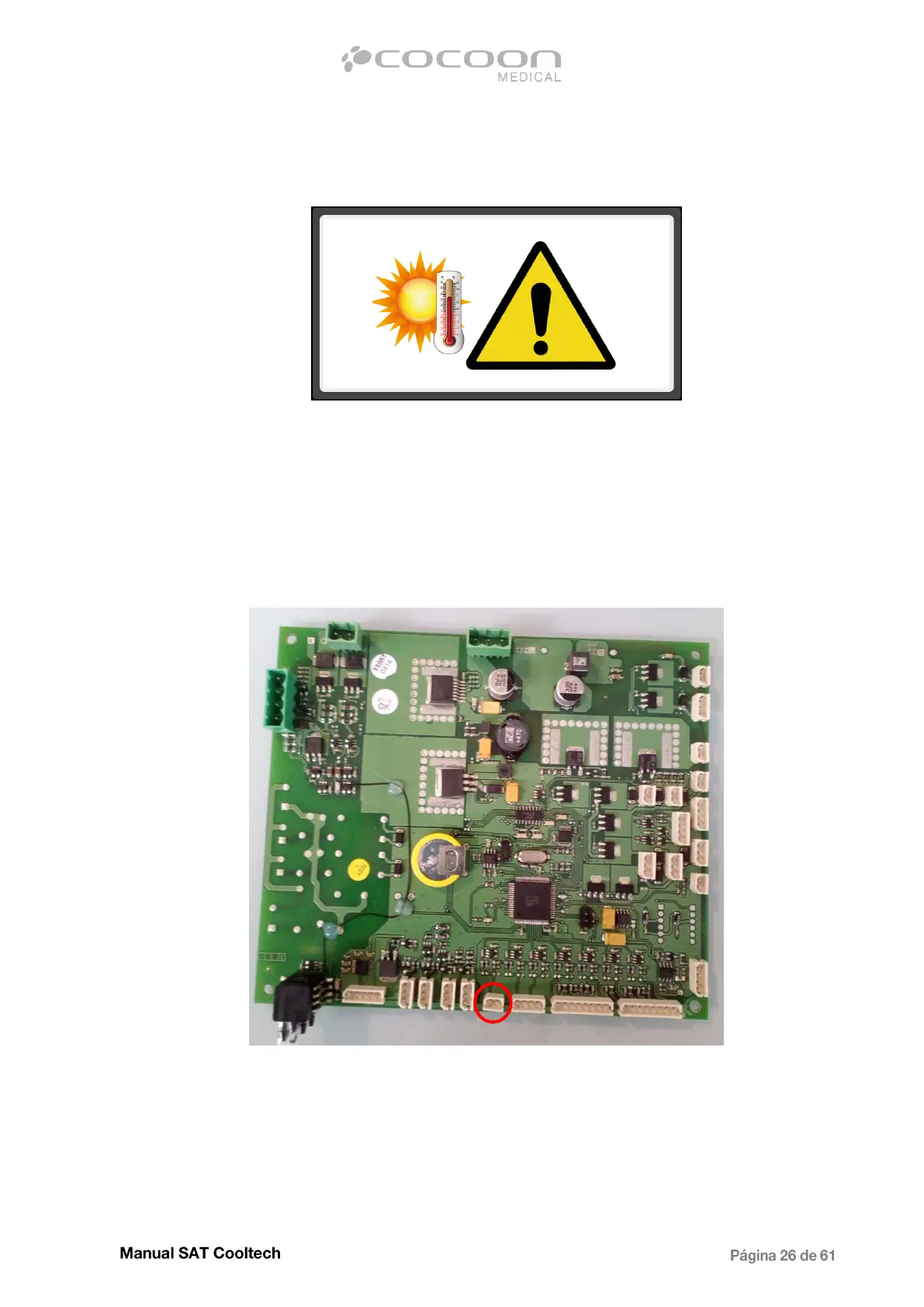
3.1.4 - High or very low equipment temperature warning
When this image appears, it is a warning only and not for treatment. Clicking on it, will disappear and
the normally treatment can be continued.
When the high temperature warning appears, it indicates that the equipment is not working in the
optimum conditions to reach the set temperatures of the applicators. And if it occurs for lower
temperatures it is possible that the equipment could have not enought cooling liquid.
If this error occurs continuously, check and measure with the multimeter the value of the internal
temperature sensor at the terminals of the connector. The cable is marked with the number 21 (white
cables).
At 25ºC should give a value close to 10Kohm, if it is correct and the error persists, proceed to replace
Main CPU. When performing the measurement, no value is obtained, replace the temperature
sensor.


 To Next Page