3.2.2 - Accessories not recognized
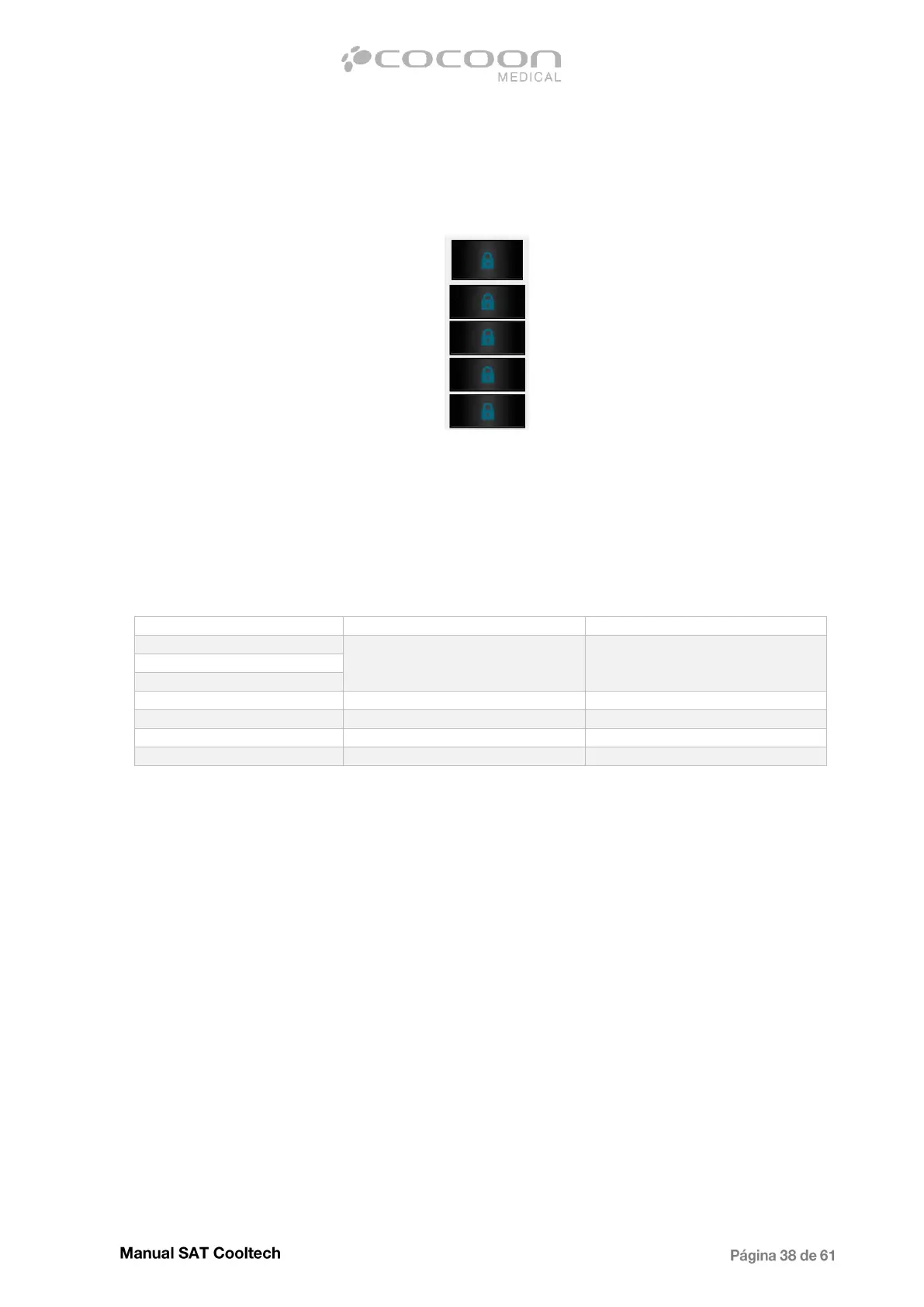
When accessing to the pre-treatment screen, the following image appears in any of the channels:
Indicates either that there is no applicator connected or that the measured resistance value is not
correct. Check first if the applicator is properly connected (the metal bar is locking completely the
front connector). The next step, in case the problem persists, is to check the resistance value the
equipment is reading.
To do this, access the code screen and type codes 65001 for applicator 1 and 65002 for applicator 2.
The corresponding values for each type of applicators are as shown in below. Any other value out of
these ranges, the equipment will interpret it as that there is no accessory connected.
In case of values 1023-1024, it is recommended to test the same applicator on the other channel to
exclude possible failure of the applicator. If the value is still the same check the recognition wiring
connected to the Main CPU (marked in red on the image).


 To Next Page