3.2.1 - The equipment does not turn on
If after pressing the power button the equipment does not start (loading software and beeping) and
the light indicator also does not light up, check first the power cable. If the power cord is correct and
plugged into the wall power socket which has working voltage of 100 to 240V, then check the fuses of
the equipment. There are 2 fuses of 10A each, type T10AH250V, measure them using a multimeter if
needed, replace them with the same type.
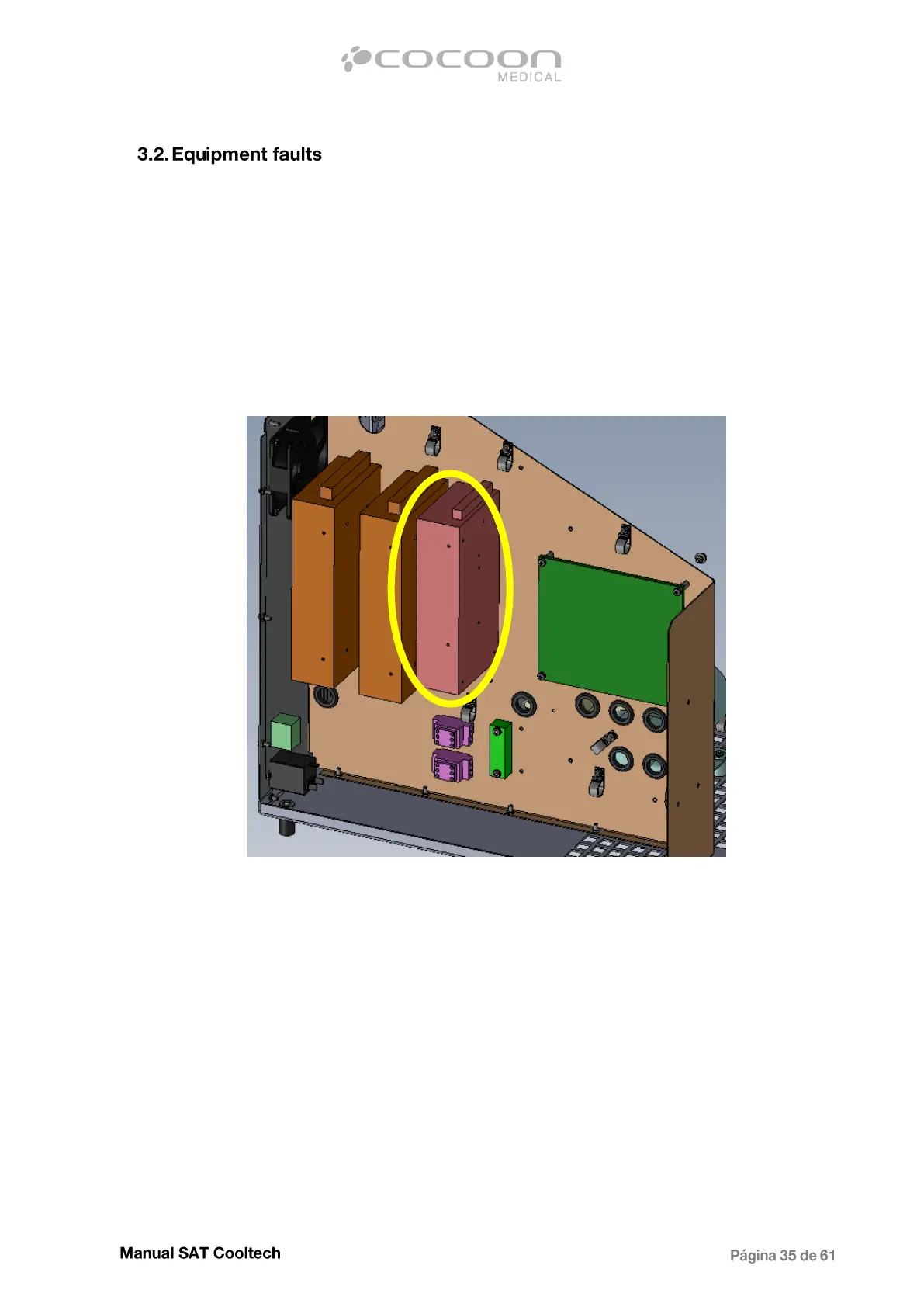
In case both fuses are in good condition, proceed to open the equipment and check if in the main
power supply SP-24 150W has 100-240V applied to the input terminals. If not check the wiring of
100- 240v.
If the voltage at the input is correct, but at the output is missing, disconnect the power cable from the
CPU to make sure that there is no bad component on the board causing the power supply to trigger
its protection. If the output 24V is missing again, proceed replacing the power supply.
If on the other hand, removing the power cable 24V reappears at the output, proceed to replace the
CPU.
In order to change the power supply, disconnect first the cables and remove the 4 screws in the back,
holding it to the intermediate chassis.


 To Next Page