- Liquid coolant level.
If the equipment`s coolant level is not low enough for the warning to appear, it also can
be a reason for unsufficient cooling performance. In this case fill up the deposit tank. If
the problem persists continue to the next step.
- Radiator fans.
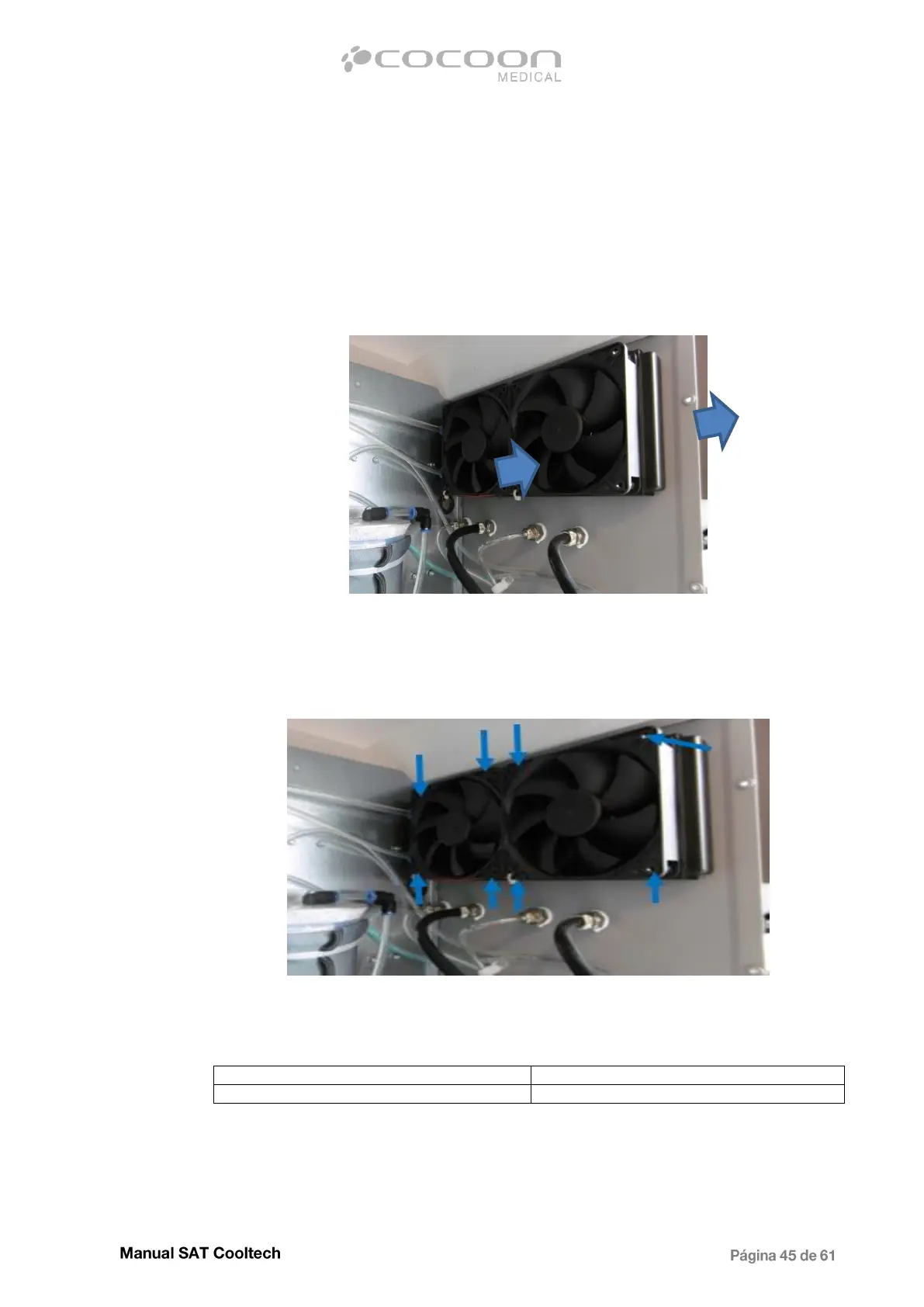
Check that the air flows through both radiator parts in the right direction, using your hand
or a sheet of paper. It should flow from inside to outside in the back of the equipment.
Air Flow through the radiator
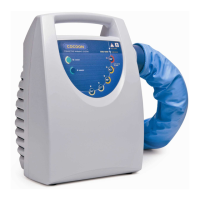
In case that any of the 2 fans does not work, proceed to replace it. To do this, remove the
4 screws that hold it to the radiator as shown in the picture.
Screw fastening the fans to radiator
Once the screws have been removed, disconnect electrically the fan or fans from Main
board, cut the cable and solder the new one, respecting the polarity.


 To Next Page