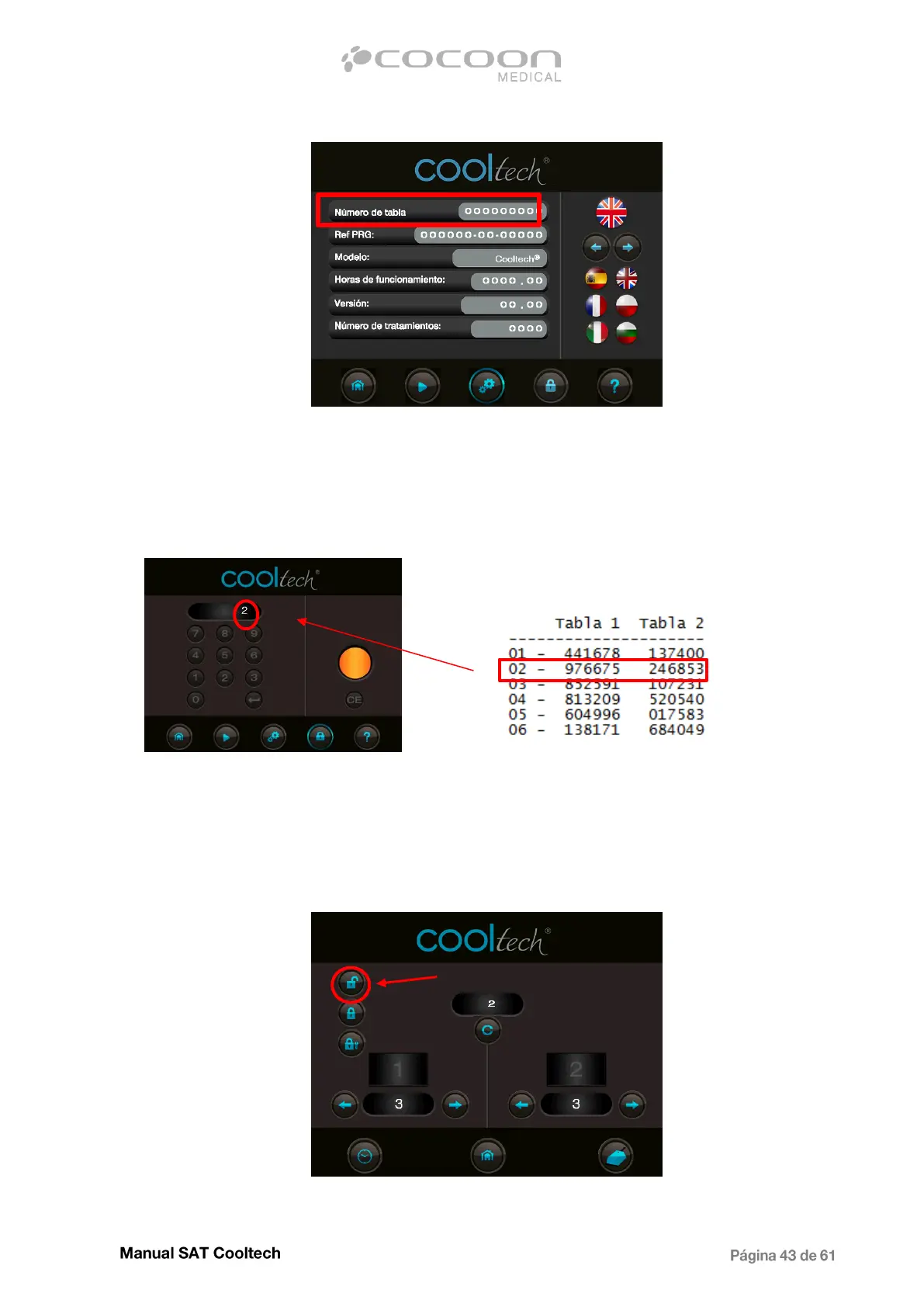
The list number should be different than 255255255 and in case of this number, it is necessary to
reprogram the equipment.
If the number that appears is correct, provide the list of codes (in case is not available, contact
Technical Assistance). In the list will find a code for renewal the rent. Then access to code screen
and remember the position number from list number displayed.
Code number from the list
Then enter one of the 2 codes to renew the rental period. Press enter, the light will turn to green and
instead of 2 will appear 3, which is the next position in the list.
In the case of reaching the last position in the list 50, it will be necessary to install a new code list. On
the contrary, if you want to release the equipment, it will be enough to enter the master code,
provided in the same list.
Once entered the master code in code screen will appear the following:
Rent settings screen


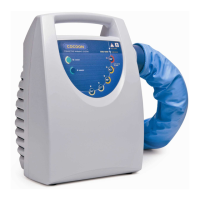
 To Next Page