17
1300 663 907
Model Number
HE17064
customercare@win
lus.com.au
After Sales Support
OTHER FUNCTIONS
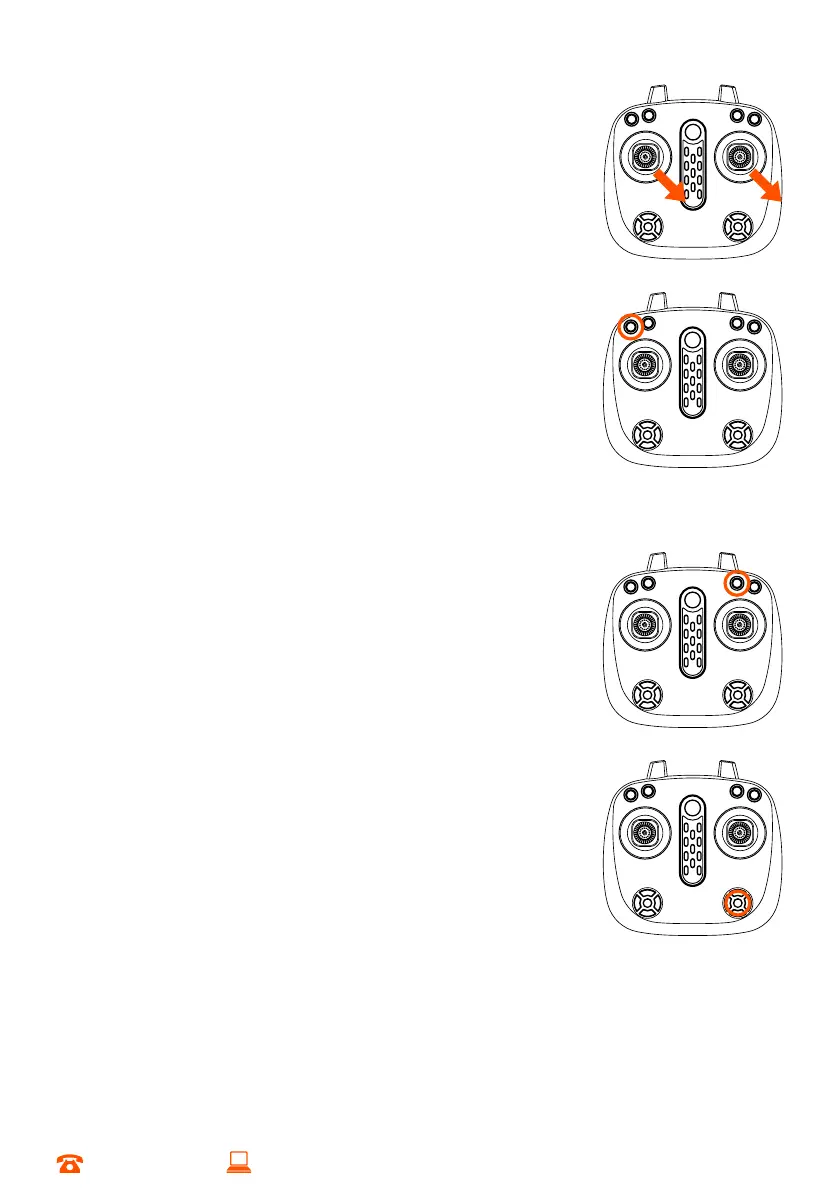
5.1 Auto Trim Function
Push both left and right throttles down towards the right at a
45-degree angle as indicated in the diagram for 5 seconds.
When the lights of the Skyview HD Quadcopter are flashing
rapidly, release the throttles and the light on the Skyview HD
Quadcopter will remain lit, indicating auto trim is complete
NOTE:
• Auto trimming should be completed when the quadcopter is stationary and
on the ground
• You may need to manually trim your drone multiple times during flight due to
air flow conditions
5.2 Speed Selection
Press the high/low speed button to toggle the speed of flight.
It is recommended you only fly in the default low speed mode
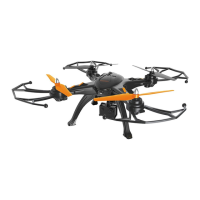
until you are confident in your abilities. More speed means
bigger crashes. This can result in damage to the Skyview HD
Quadcopter or other property. Damage through incorrect use and poor control will void
your warranty
NOTE: When changing speed modes, one beep on the remote indicates you
have selected the slowest speed, two beeps indicate medium speed, and three
beeps indicate highest speed selected
5.3 One-Key Take Off/Land Function
a. Turn on and unlock flight controls
b. Press the one key take off/Land button
c. The Skyview will automatically raise altitude and hover
d. Press the button again and the Skyview will lower to the
ground. Adjust the direction until the Skyview propellers
come to a stop
5.4 Headless Mode
Headless mode allows you to focus on the direction of the drone
with the right throttle without worrying about the orientation
of the Skyview. This is useful for beginners or if you’d like to focus your camera in a
particular direction
a. To activate headless mode on your Skyview HD Quadcopter, quick press the
headless mode button until the remote control makes a double beep sound
b. Press the button again to deactivate headless mode
NOTE: When headless mode is activated, the LED lights will flash. The Skyview HD Quadcopter will
automatically set the side moving forward as the front direction for headless mode


 To Next Page