To
begin the 2
I
3 hour start up timer mode:
1.
Turn the vehicle's ignition
ON
then
OFF.
2.
Press and
hold
the
valet
button.
3.
Press the button 4 times, the system
will;
a.
When set for 3 Hour
(default)-
chirp 2 times and flash the
parking lights
4 times.
b.
When set for 2 Hour - chirp 1 time and
flash
the parking
lights
2 times.
4.
Release the valet
button.
To
exit the 2
I
3 hour start up timer mode:
1.
Turn the
vehicle's Ignition ON.
OR
1.
Activate the remote vehicle
start feature using the remote
control.
Operating the Daily
Start
Timer
The system has the
ability to start your
vehicle based on a 24-hour countdown timer.
This feature requires a two-part activation sequence. From the remote,
while
ine range
of
the
vehicle,
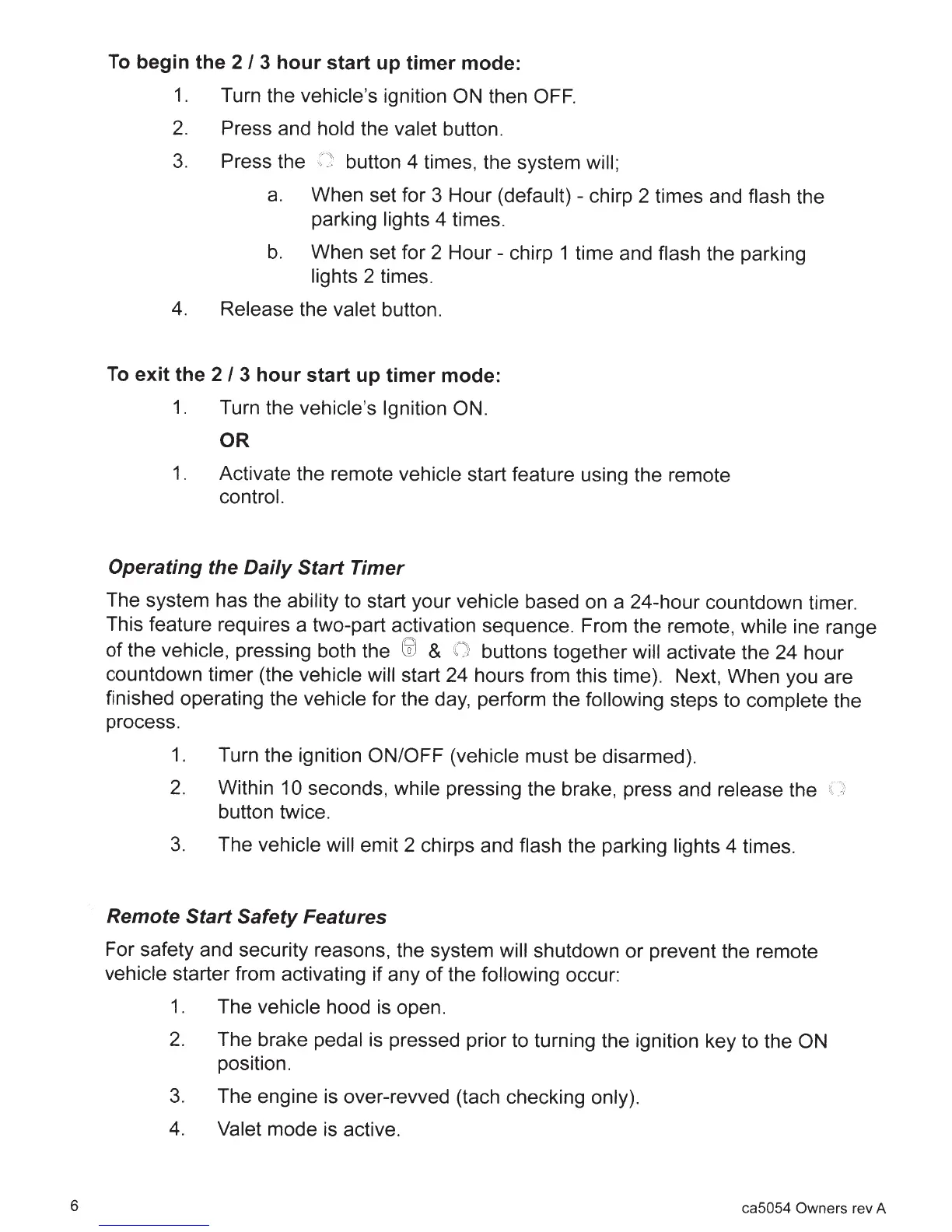
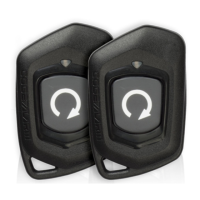
pressing both the
liJ
&
{)
buttons together
will
activate the 24 hour
countdown timer (the
vehicle will start 24 hours from this time). Next, When you are
finished operating the
vehicle
for the day, perform the
following steps to
complete the
process.
1.
Turn the ignition
ON/OFF (vehicle
must be disarmed).
2.
Within
10 seconds,
while
pressing the brake, press and
release
the
button twice.
3.
The
vehicle will
emit 2 chirps and
flash the parking
lights
4 times.
Remote
Start Safety
Features
For safety and security reasons, the system
will
shutdown or prevent the remote
vehicle
starter from activating if any
of
the
following
occur:
1.
The
vehicle
hood
is
open.
2.
The brake
pedal
is pressed prior to turning the ignition key to the
ON
position.
3.
The engine is over-revved (tach checking
only).
4.
Valet
mode is active.
6 ca5054
Owners rev A







 To Next Page