Technical Manual Page 33 CODEL
Parameters
Select this option by pressing the ENTER key. The and keys will now display the available options from
within this sub-mode, when the option that requires changing is displayed, press the ENTER key. When all
required changes have been made, select the EXIT option and press ENTER.
Security Number
To prevent any unauthorised tampering with the set up information, it is important that the security code is
changed from the factory setting. Each digit is selected with the ENTER key and changed with the and
keys.
5 PARAMETERS
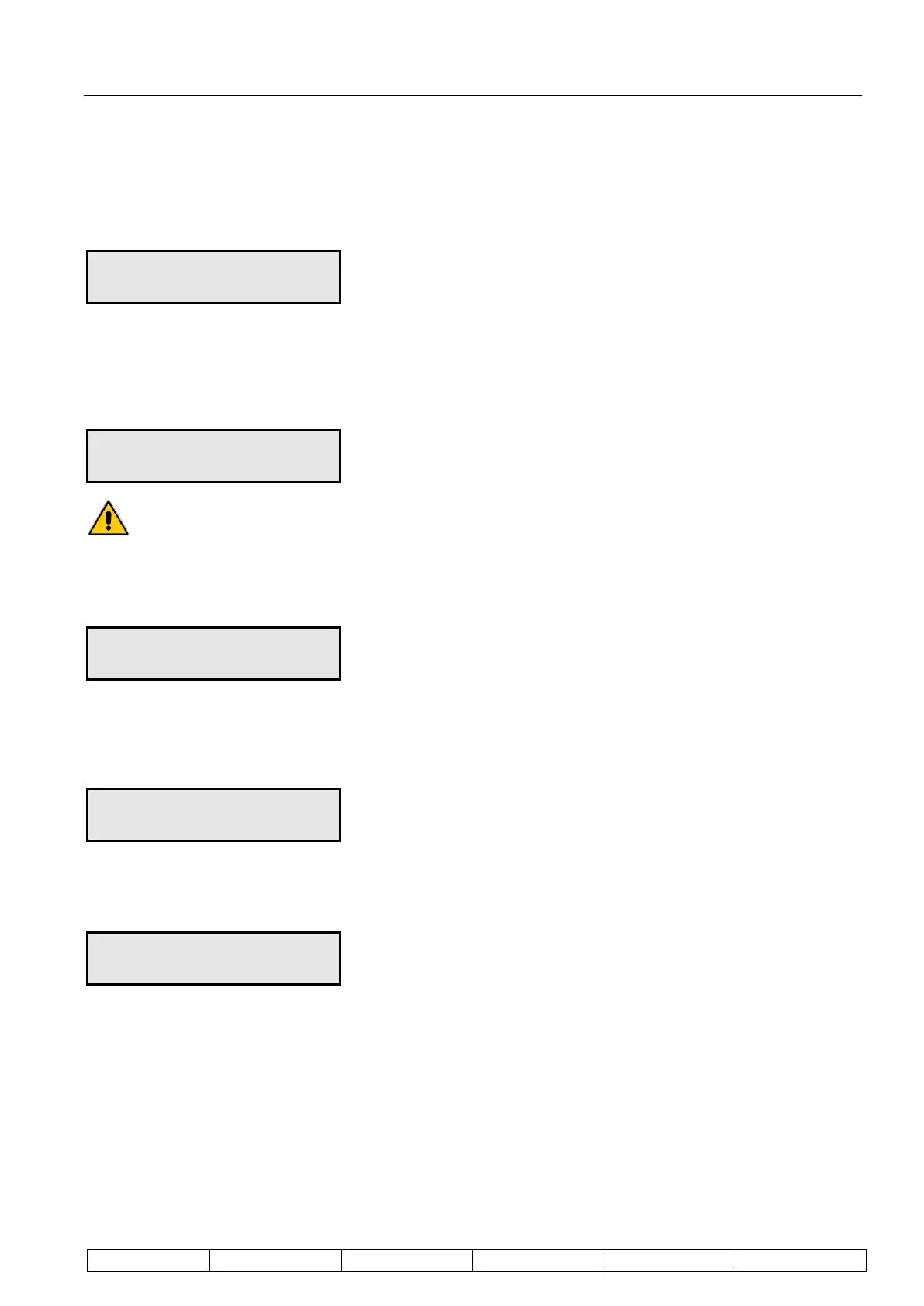
Security # 0000
It is important to make a note of this number otherwise it will not be possible to change the
instrument set-up.
Units
The system operates in metric units to provide output data in m/sec.
5 PARAMETERS
Units metric
Detector Separation (Distance)
The current value entered for separation will be displayed for 1 second, then the display will default to zero. The
separation must be re-entered for the unit to calculate flow correctly.
5 PARAMETERS
Distance 1000mm
Cross Sectional Area
The cross sectional area must be entered in m
2
to enable volumetric flow to be correctly displayed.
5 PARAMETERS
CS Area 010.0m2
Data Rate
The DATA RATE selected will depend on the range of flow velocities to be measured. Estimate the Time of
Flight (TOF) for the minimum and maximum expected flow velocities as follows:
Maximum TOF (ms) = separation (mm)/minimum flow velocity (m/s)
Minimum TOF (ms) = separation (mm)/maximum flow velocity (m/s)
The DATA RATES available are 0.5, 1.0, 2.0, 4.0 and 8.0ms.
Select the DATA RATES such that:
Max. TOF/DATA RATE 255
Min. TOF/DATA RATE 50


 To Next Page