Technical Manual Page 35 CODEL
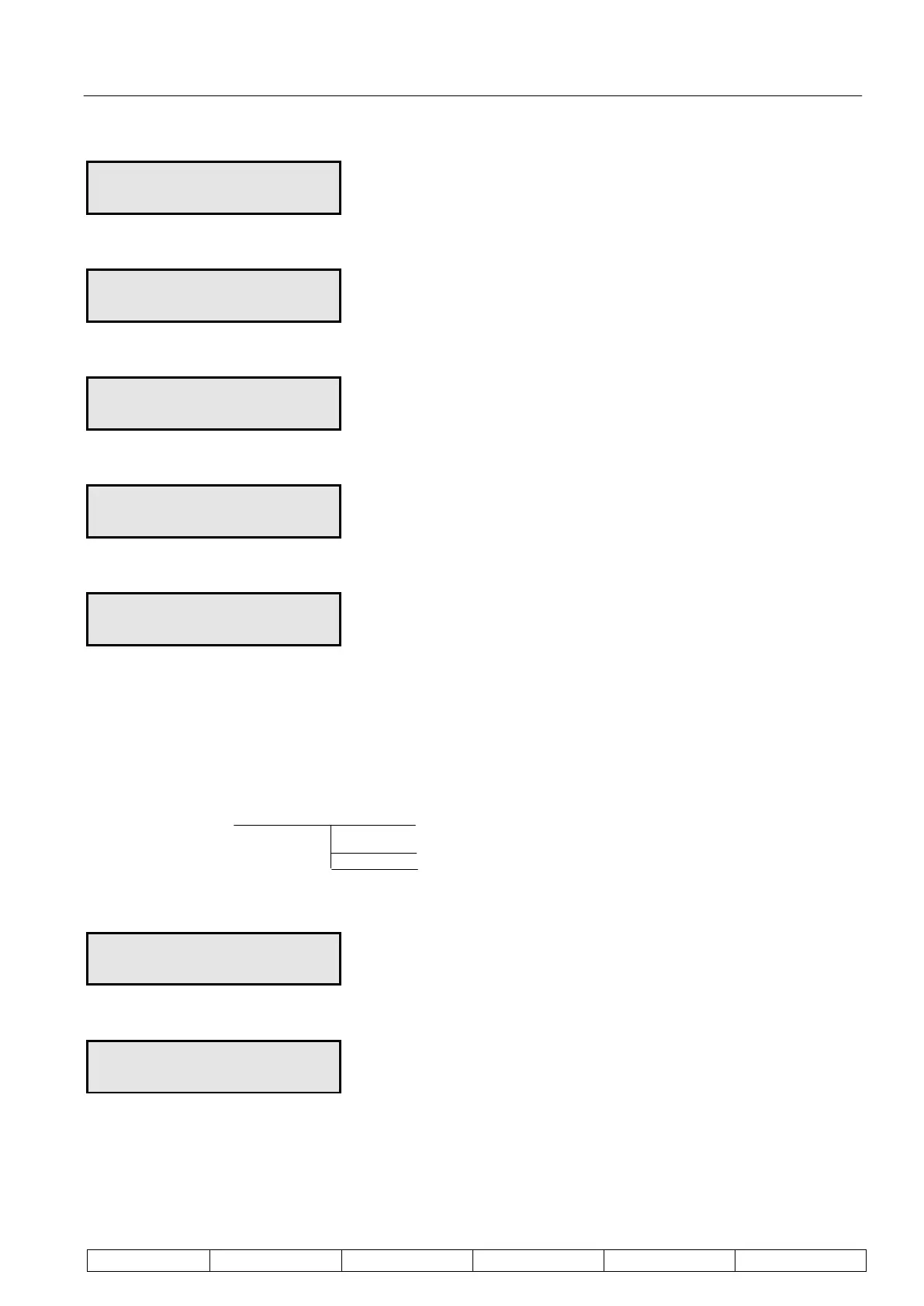
Scroll month using
Enter
Scroll days using
Enter
Scroll hours using
Enter
Scroll minutes using
Enter
Scroll seconds using
Calibrate
The way in which the calibration is initiated and in which calibration data is outputted is configured here. A
manually initiated calibration can also be triggered from this mode.
Calibrate
CALIBRATE Enter Set Cal. Data
Calibrate
Config. Cal
Set Cal. Data – sets up parameters for the calibration
Enter
5 CALIBRATE
Lo cal 05.0m/sec
Set the low span calibration target value, 1 digit at a time, using the and keys and Enter.
Enter


 To Next Page