Technical Manual Page 36 CODEL
5 CALIBRATE
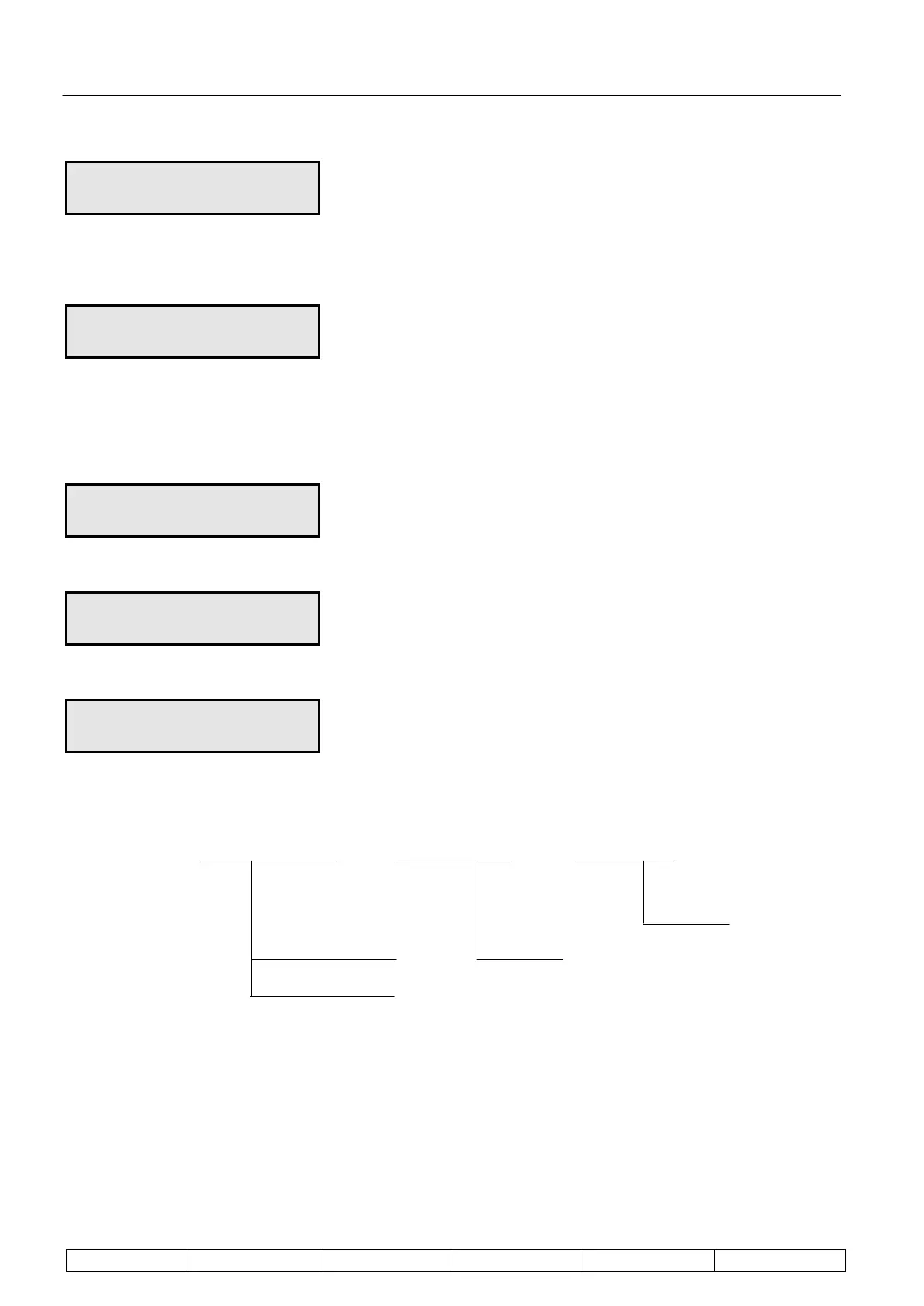
Hi cal 20.0m/sec
Enter
Set the high span calibration target value, 1 digit at a time, using the and keys and Enter.
5 CALIBRATE
Set # cycles = 50
Set the number of cycles used for calibration, 1 digit at a time, using the and keys and Enter.
Enter
Calibrate – manually activates a calibration
Enter
5 Lo flow 025
Cal in progress
End when count = 0
5 Hi flow 023
Cal in progress
End when count = 0
Config. Cal – sets parameters for a remote/timed activated calibration
Config Cal Enter Initiate Enter cal timer Enter interval
next cal
cal alarm logic
output data
Initiate
This enables selection of the time of calibration. Calibration can be triggered by configuring the plant status logic
input to a calibration trigger. Additionally calibration can be triggered at period intervals and pre-set times,
controlled from the on-board clock.


 To Next Page