3.
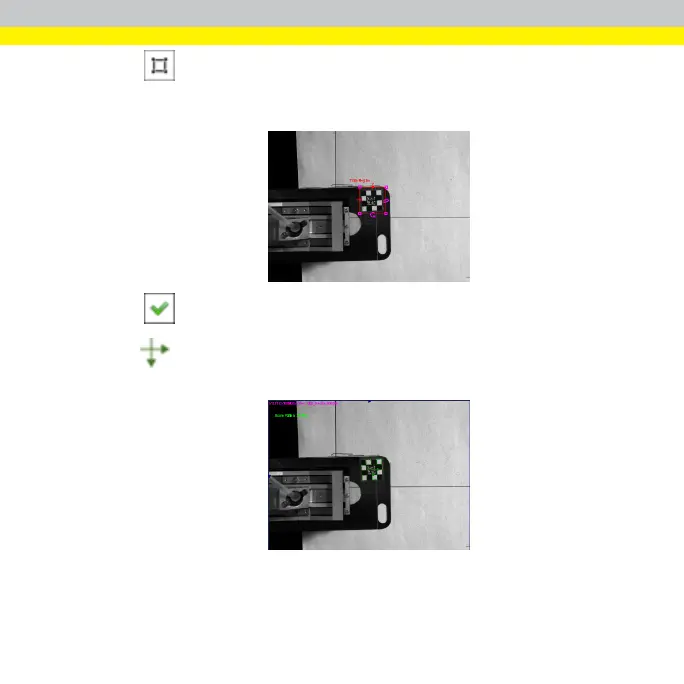
Click to set the train region over the pattern that you will use as the
training model. Ensure that the train region covers only the feature of the
pattern.
4.
Click on the right top corner of the display to confirm the train region.
5.
The icon replaces the train region, which indicates the location and
angular orientation of the found pattern.
30



 To Next Page