6.
(Optional) Click to set the search region. Ensure that search region
covers the areas in the image where you expect to see the pattern. By
default, the search region covers the entire field of view.
Tip: To increase the performance of the tool, create a smaller search
region. A smaller search region can increase the processing speed
and reduce the cycle time.
7.
Click on the right top corner of the display to confirm the search region.
8. After you configure the pattern settings, load images and adjust the
parameters, as necessary, to compensate for your expected ranges of
variations.
9.
Click to exit the Recipe step. The sensor is now set up and ready for
the sensor calibration.
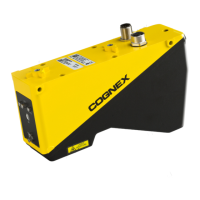
After finishing this initial setup with the AS200 Alignment Sensor software, you need
to complete the sensor calibration and golden pose training. To perform these tasks,
you need to use the command interface of the AS200 Alignment Sensor with
external controllers, such as PLC or Robot.
31


 To Next Page
 Loading...