Changing a 6.2 mm Lens to a 16 mm Lens
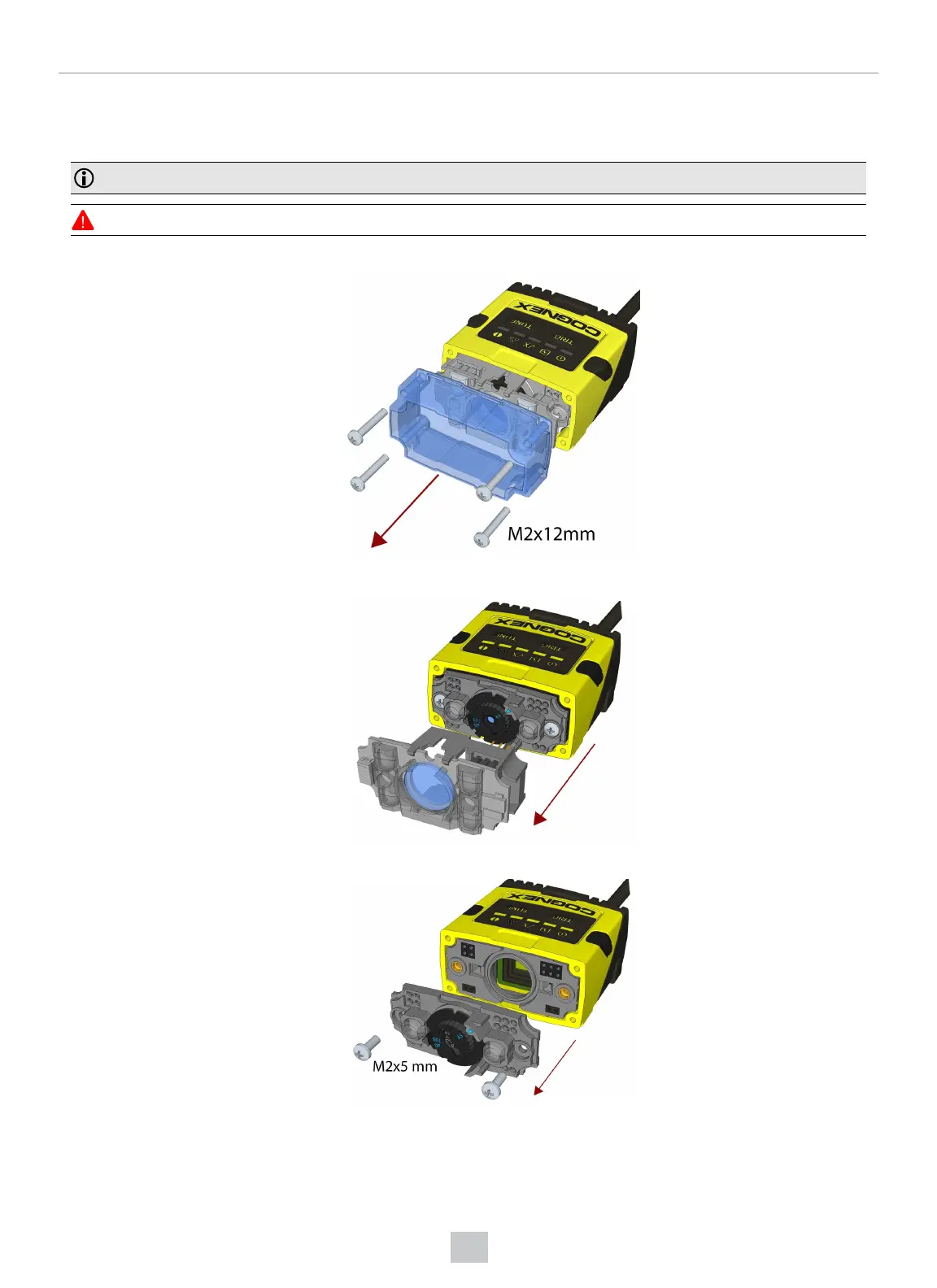
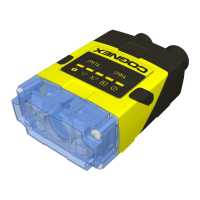
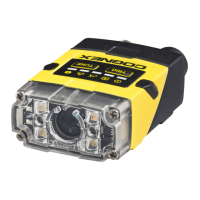
Perform the following steps to change a 6.2 mm lens to a 16 mm lens on your DataMan 150 reader.
Note: Disconnect the DataMan 150 reader from power before changing lenses.
WARNING: This modification must be made in a dust-free and ESD safe area.
1. Remove the front cover: unscrew the four M2x12mm Phillips Pan head screws and take off the LEDcover.
2. Remove the illumination module.
3. Unscrew the two M2x5mm Phillips head screws and remove the 6.2 mm lens mount.
26
Setting Up Your DataMan 150



 To Next Page