Training
Training your reader with the expected symbology may help increase decode yield. To train your reader, place a code in
front of the reader and do one of the following:
l
Press and hold the trigger button ( ) for at least 3 seconds and the release it.
l
Click and hold the trigger button in the DataMan Setup Tool ( ) for at least 3 seconds and then release it.
l Click Train Code in the Action ribbon of the DataMan Setup Tool.
If using Single trigger mode, upload the code through File -> Train Image.
Note: You can use training in Single, Burst, Continuous or Self trigger modes. Only a single symbol of each kind of
symbology can be trained per read setup.
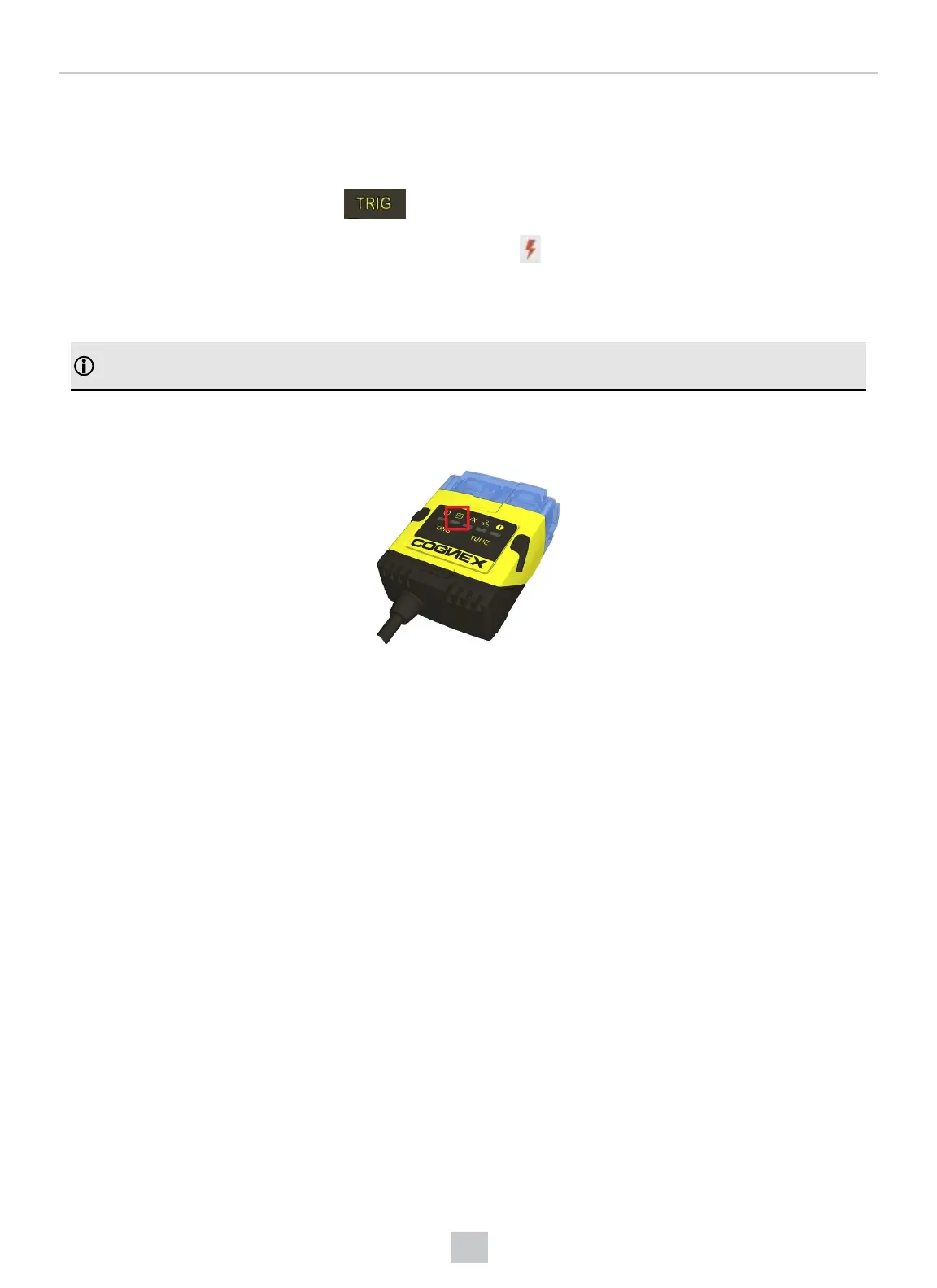
DataMan 150 reports the status of the training and brightness optimization operations using its signaling LEDs. The
second LED from left on the reader flashes green to indicate that the reader is currently trained, or yellow to indicate that
it is not trained.
Connect the reader to the DataMan Setup Tool to untrain it and allow it to recognize other enabled symbologies.
50
Using Your DataMan 150








 To Next Page