Setting Up Your DataMan Reader
Read this section to learn how the reader connects to its standard components and
accessories.
Note:
l Cables are sold separately.
l If a standard component is missing or damaged, immediately contact
your Cognex Authorized Service Provider (ASP) or Cognex
Technical Support.
CAUTION: All cable connectors are keyed to fit the connectors on the reader.
Do not force the connections or damage may occur.
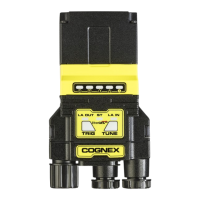
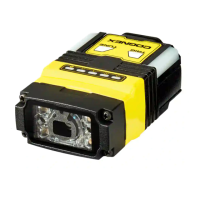
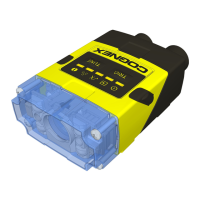
Reader Layout
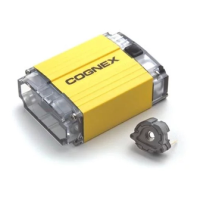
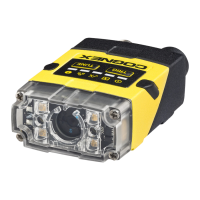
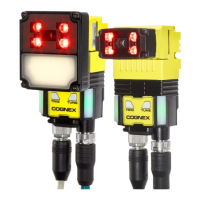
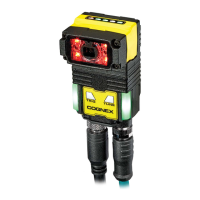
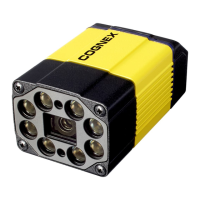
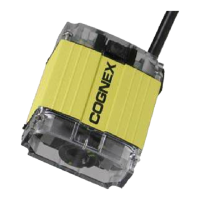
The images and tables below show the elements of the reader.
DataMan 280:
15



 To Next Page