UIElement Description
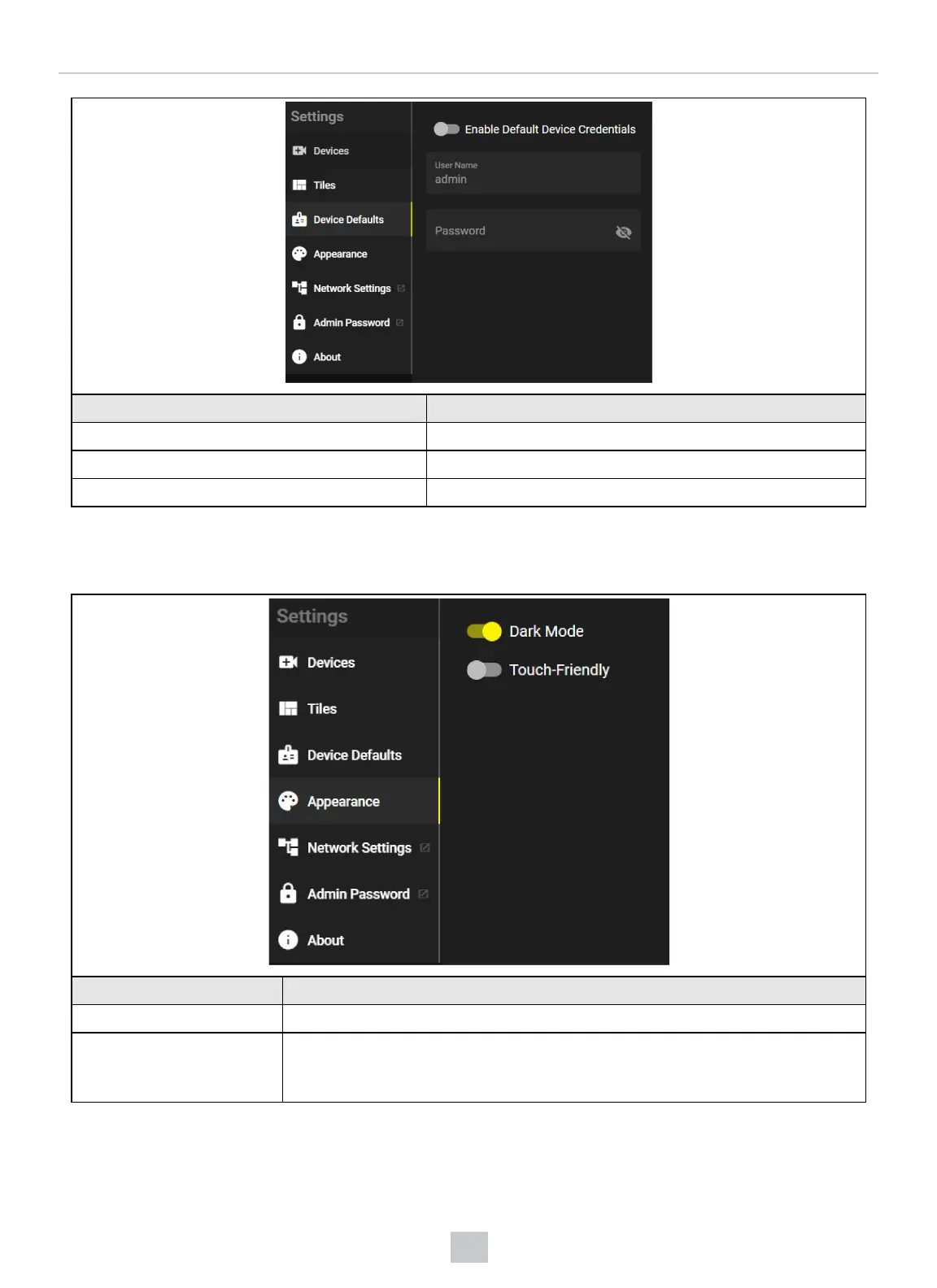
Enable Default Device Credentials Toggle the default device credentials on or off.
User Name Enter user name.
Password Enter password.
Appearance
In the Appearance tab, you can change the appearance and the language.
UI Element Description
Dark Mode The Dark Mode toggle allows you to switch between a dark and a light UIlayout.
Touch-Friendly The Touch-Friendly toggle allows you to turn the touch-friendly mode on or off. When you
enable the Touch-Friendly setting, the size of some UIelements increases, for example,
the headers of live tiles.
Network Settings
In the Network Settings pop-up, you can configure your network settings.
24
VisionView Web User Interface



 To Next Page