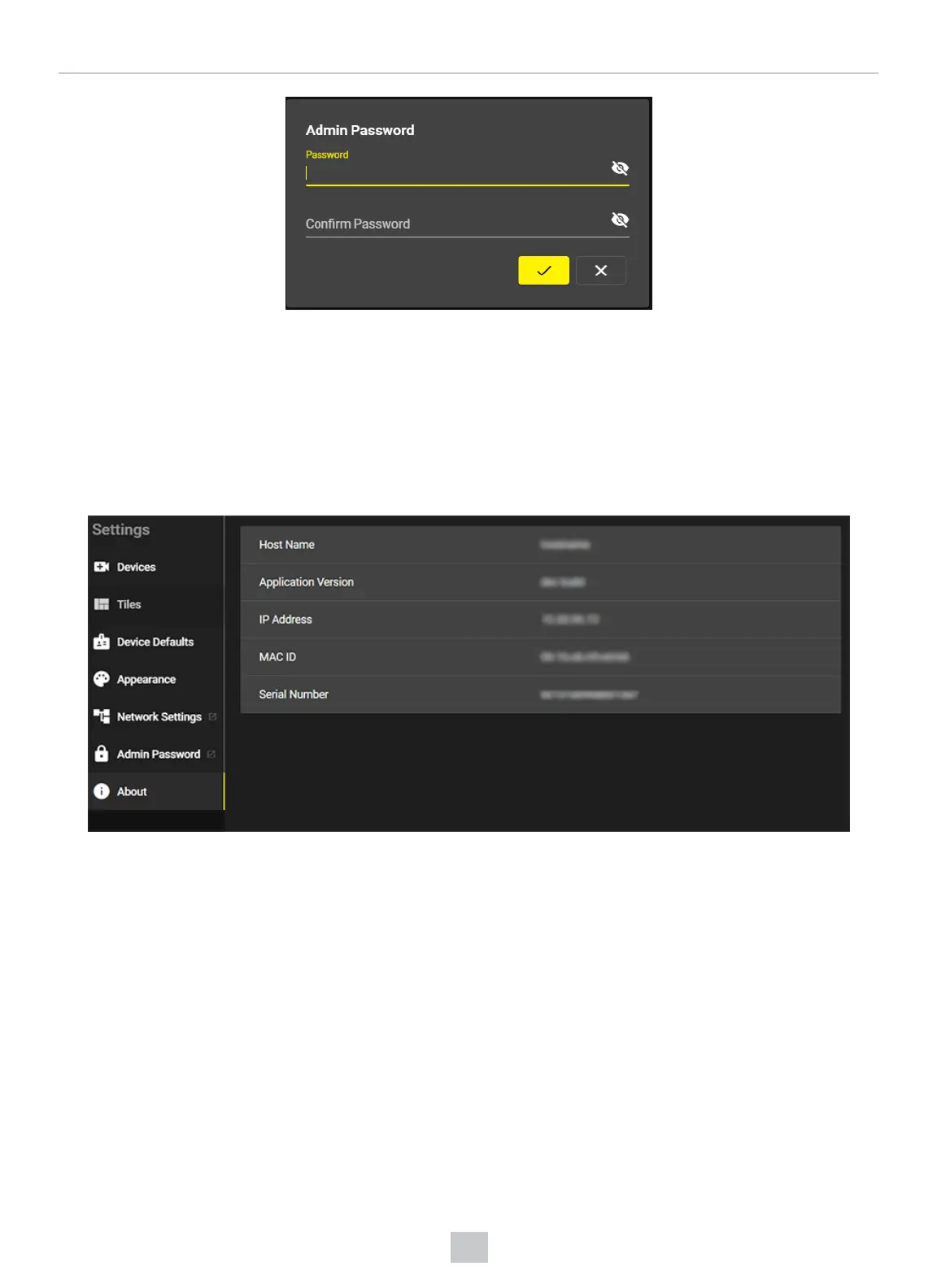
To change the admin password, perform the following steps:
1. Enter a new password into the Password row.
2. Enter the new password again into the Confirm row.
3. Click on the checkmark button to finish the process.
About
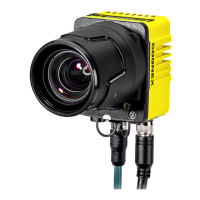
The About page of VisionView Web displays information about the device.
26
VisionView Web User Interface



 To Next Page