Getting Started
This section provides general information about VisionView Web.
About VisionView Web
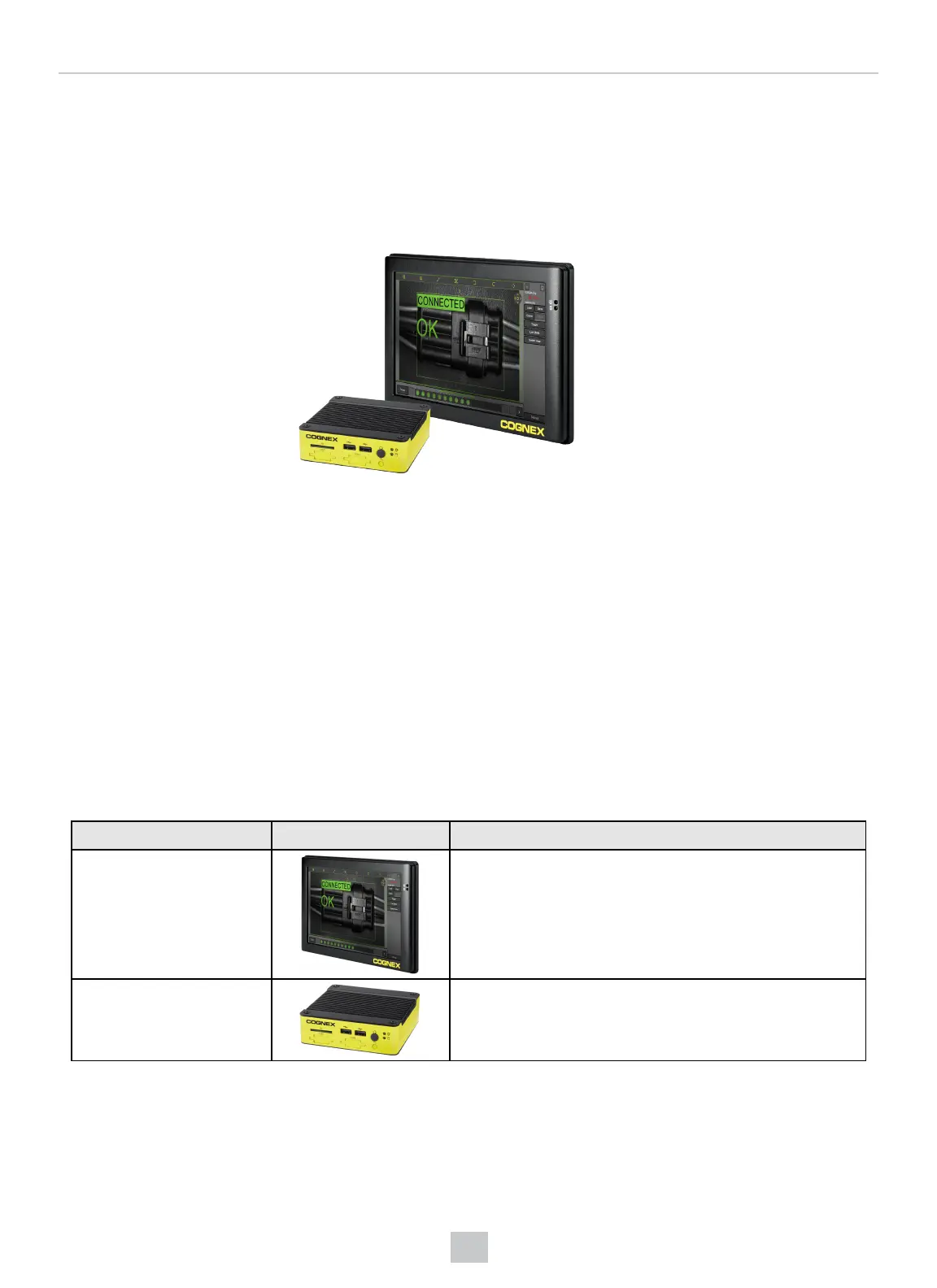
The VisionView Web family of devices allows you to automatically connect to run-time Web HMIs from Cognex devices on
the factory floor. The product family includes a touchscreen version and a screenless version that can connect to a third-party
screen over HDMI. The VisionView Web offers you the following functionalities:
l
Automatically detect and connect to both In-Sight and DataMan Web HMIs on the factory floor.
l
Tile multiple Web HMIs on one screen.
l
Load and save jobs, change online status, and view run-time data.
l
Offload images and job files to SD cards or USB drives.
l
Configure network settings and admin passwords from the VisionView Web.
l
Supported by In-Sight Vision Suite.
Product Overview
The following VisionView Web products are available:
Product Name Product Image Features
VisionView Web Panel
l
9" display (1024x600 resolution)
VisionView Web HDMI
l
HDMI display output (1920x1080 max resolution)
VisionView Web Panel Layout
The following table shows the layout of the VisionView Web Panel.
6
Getting Started



 To Next Page