User’s manual
Version: 5
Page: 19 of 26
Date: 09.11.2022
9 Shutdown before turning power off.
When machine have finished production and there
is a need for shutting down machine and turn power
off it is needed to follow this procedure.
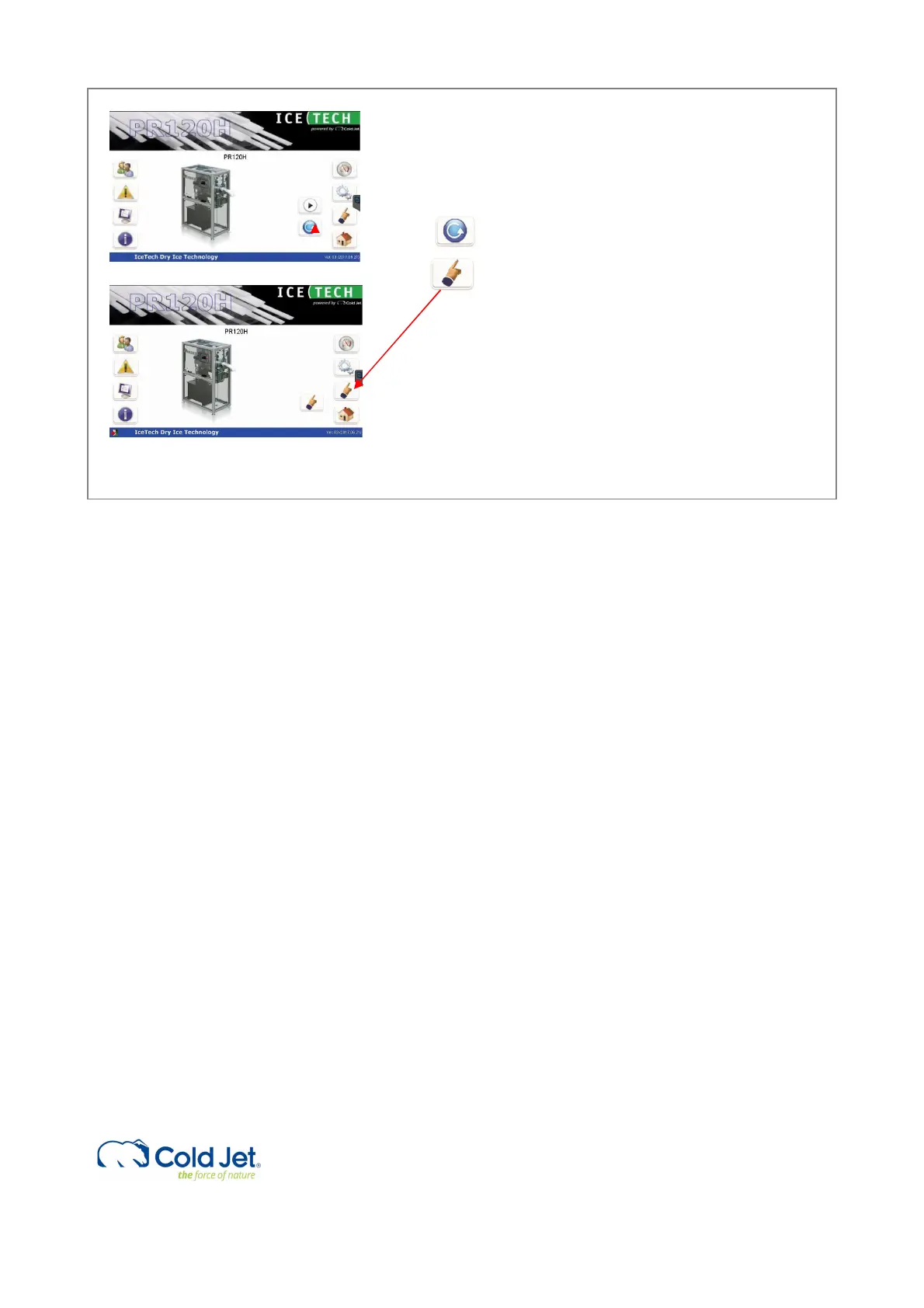
Press mode select icon once and it changes into
single mode.
In the bottom left on the screen there is now an
active icon (exit door), press this icon once.
Now the HMI program will shut down and after this
the Windows program will shut down. The screen
will turn black with the text – It is now safe to turn
off.
The power can now be turned off on the main
switch on the electrical cabinet.
Note
In general, it is recommended leaving the machine with the main power on and avoiding turning the power off direct on
the main power switch.
This is for protecting the PLC computer not wearing out, due to sudden power cut off.



 To Next Page