Cole Palmer 4-5
Section 4 Operation
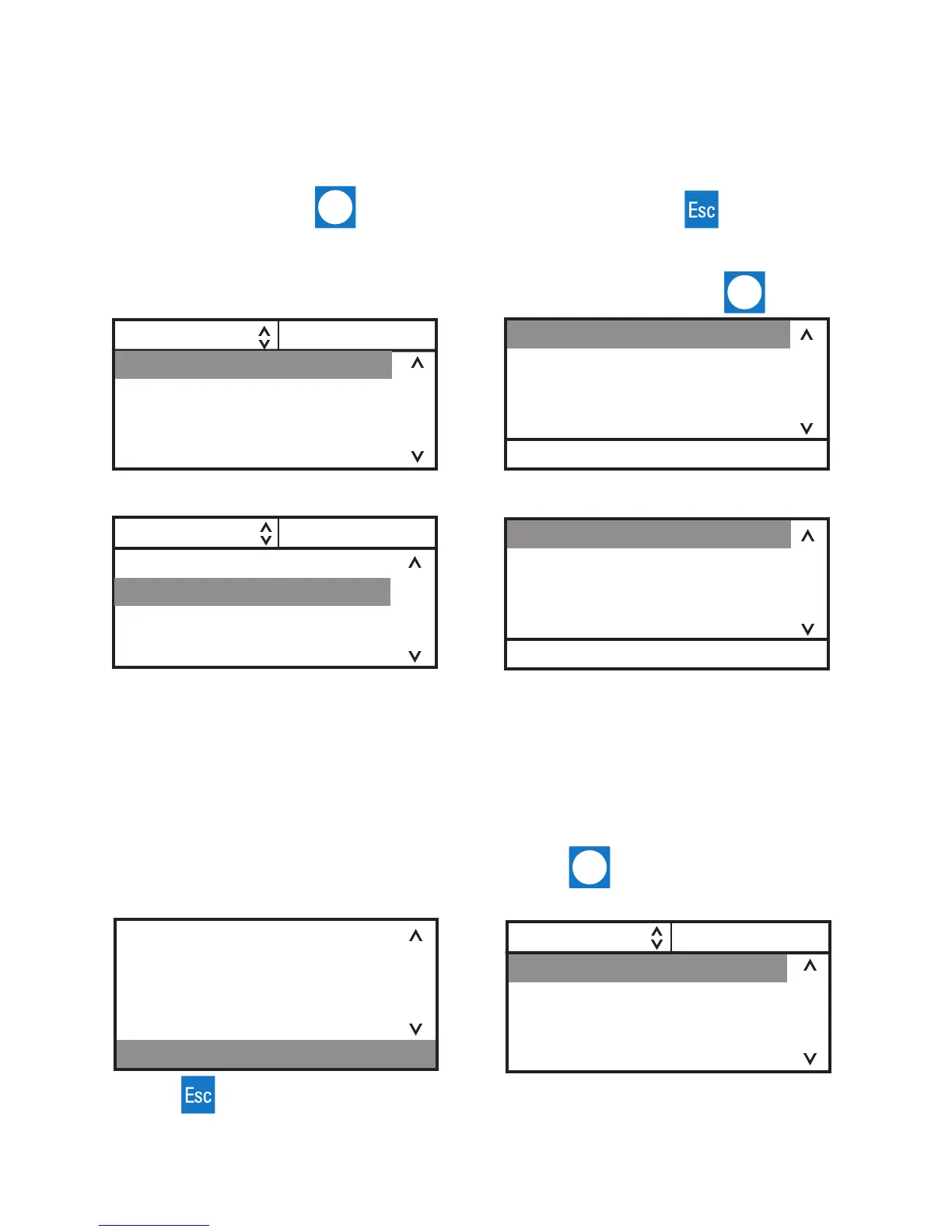
1. Use the right arrow button to highlight
Menu and the controller brings up the Main
Menu Display.
2. Use the up and down arrow to highlight the
desired setting and then press to bring up
additional submenus.
Menu Displays
The controller uses menus to view/change the unit's settings.
NOTE The unit does not need to be running to view/change these settings.
For all Menu displays, once is pressed to change a display, you can press to return to the
previous screen.
See page 4-7.
See page 4-12.
SP1 Menu
Settings
System
SP1 Menu
Settings
System
Menu
Application Settings
Display Options
Messages
Run Time
Conguration
Password/Reset
Menu
1. From any submenu display, use the down
arrow button to highlight Menu.
2. Press to return to the Main Menu
Display.
Menu
The Menu line, at the bottom of all the submenu displays, is another way to return the controller back
to the Main Menu Display.
SP1 Menu
Settings
System
Pressing from the Menu line returns you tho
the previous screen.
Application Settings
Display Options
Menu


 To Next Page