6
EN
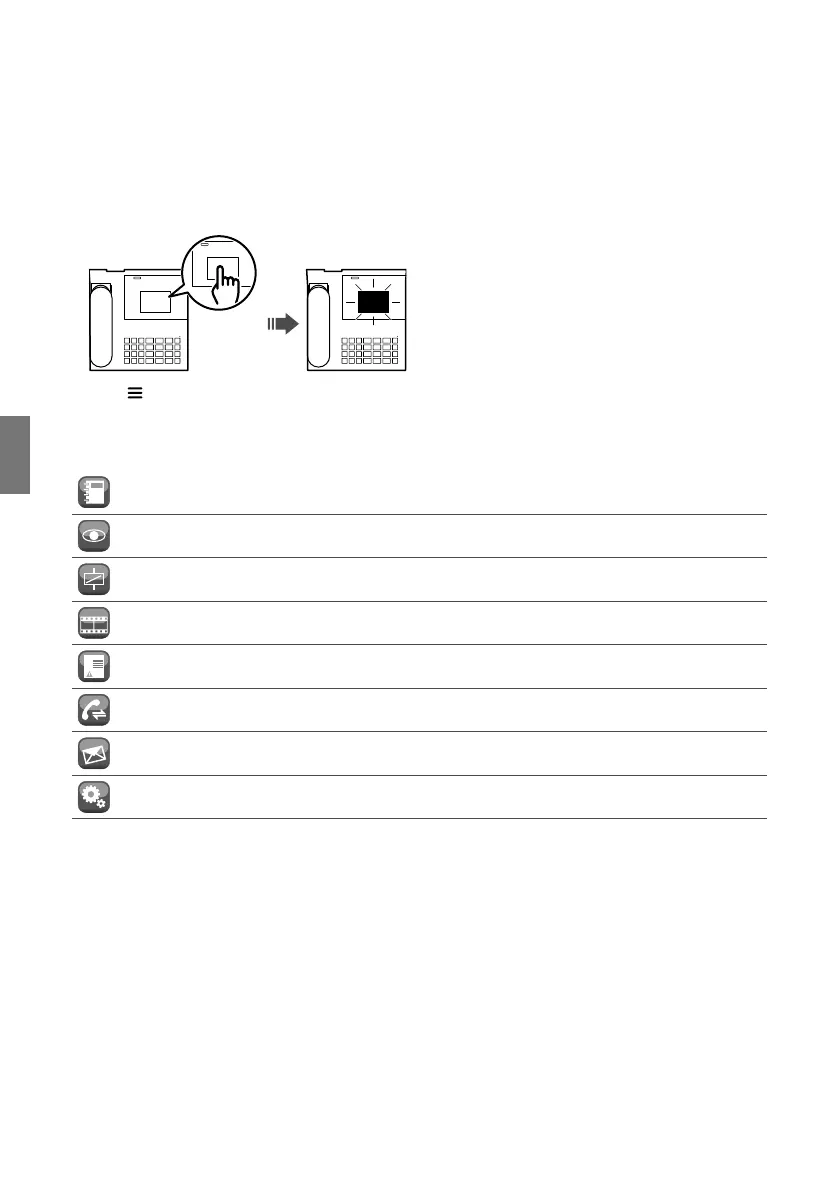
How to enter the main menu
f Touch display to switch it on
f Press to view the main menu
Main menu
CALLS
Press to access the directories used to call an apartment/switchboard/
entrance panel
SELF-IGNITION Press to access the directories used to activate a camera
ACTUATORS
Press to access the directory used to control an actuator (light activation,
door opening...)
ANS. SERVICE
Press to access the settings for the answering service (record message,
enable/disable answering service)
CALLS/ALARMS Press to view the chronology of calls and alarms
CALL DIVERT Press to enable/disable call divert or to change the divert recipient
MESSAGES
Press to write, read or send messages to door entry monitors (internal
units) in the system
SETTINGS Press to change the device settings or to access the advanced settings
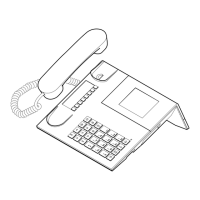
Description of the Interface


 To Next Page