EN
39
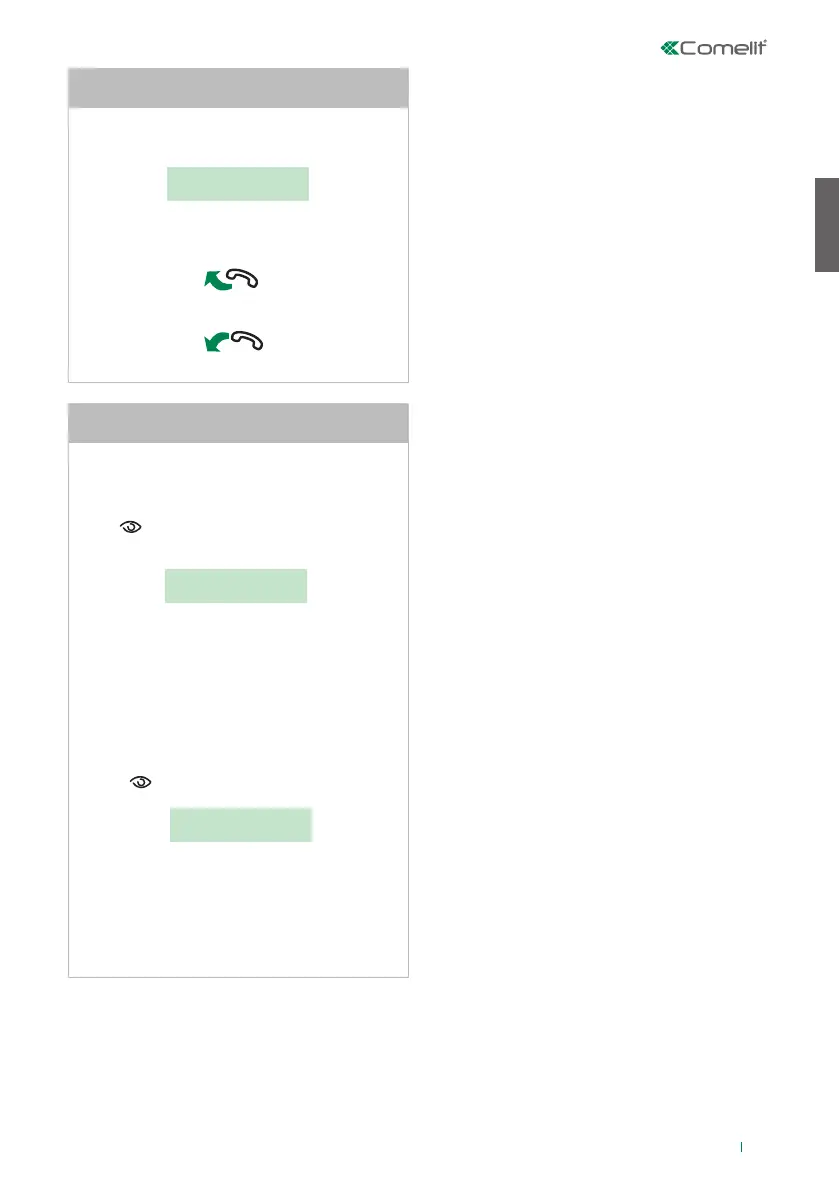
When the secondary switchboard receives a call
from the main switchboard:
CALL FOR
SWITCHBOARD
- to answer the call coming from the main
switchboard, lift the handset;
- to end the conversation, hang up the handset.
U20
How to answer a call made from the main
switchboard to the secondary switchboard
When using 2 main switchboards configured in
series, use one of the following methods:
• press on the active switchboard (MASTER), the
following screen will appear:
*
1- MASTER
2 - SLAVE
- press key 2 to deactivate it (SLAVE).The
switchboard will switch o, while the other
switchboard will switch on automatically to become
the MASTER.
or
• press ON/OFF on the deactivated switchboard
(SLAVE) to switch it on.
- press and the following screen will appear:
*
1- MASTER
2 - SLAVE
- presskey 1 to confirm that you wish to activate
the switchboard (MASTER).
- press ESC repeatedly to return to the main
screen.
The other switchboard will be deactivated
automatically, to become the SLAVE.
U21 How to activate (MASTER) or deactivate
(SLAVE) the main switchboards









 To Next Page