EN
41
You can decide to organise the week by selecting one
of these three operating modes for each day:
• AUTO: the system switches from DAY mode to
NIGHT mode at the programmed times. It is not
possible to decide on dierent time bands for days
during which the system operates in AUTO mode.
• NIGHT: the system is in this mode for the whole
day.
• DAY: the system is in this mode for the whole day.
The system can be set to allow automatic switching
from DAY mode to NIGHT mode at specific times as
programmed by the user. A MAXIMUM of 4 TIMES
can be set.
It is extremely important to set the times for switching
from one mode to another correctly.
TIME 1: determines the first switch: from NIGHT
mode to DAY mode
TIME 2: determines the second switch: from DAY
mode to NIGHT mode
TIME 3: determines the third switch: from NIGHT
mode to DAY mode
TIME 4: determines the fourth switch: from DAY
mode to NIGHT mode.
All 4 TIMES must be set (as shown in the following
example) even though only 2 switchovers are
needed:
Example:
You want to configure the switchboard with the
following parameters:
07:00 - 12:00 Day mode operation
13:00 - 22:00 Day mode operation
TIME 1: 07:00 » NIGHT > DAY
TIME 2: 12:00 » DAY > NIGHT
TIME 3: 13:00 » NIGHT > DAY
TIME 4: 22:00 » DAY > NIGHT
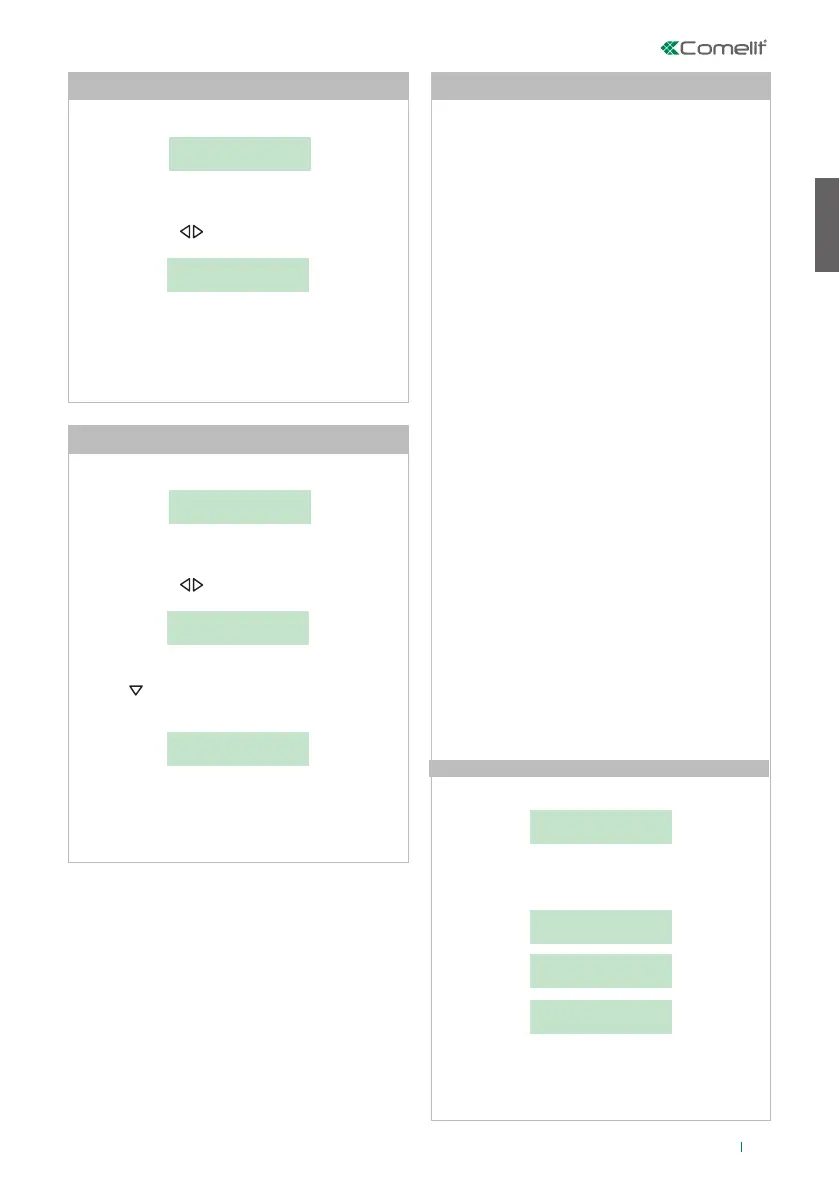
- press MENU and use the keys to view the
3-DAY/NIGHT AUTOMATIC menu; press 3;
3-DAY NIGHT
AUTOMATIC
- press 1-ON/OFF, to activate or deactivate the
function;
1-ON/OFF
2-SET TIMES
SERVICE
ACTIVE
SERVICE
NON ACTIVE
- press ESC to return to the main screen.
- press MENU and 2-CHANGE DATE;
1-CHANGE TIME
2-CHANGE DATE
- the cursor will be positioned on the first digit. Enter
the date using the alphanumeric keypad, moving the
cursor using the keys;
SET DATE
00/00/00
- to confirm, press OK;
- press , until the desired day appears on the
display;
ENTER DAY:
MON
- to confirm, press OK;
- press ESC to return to the main screen.
- press MENU and 1-CHANGE TIME:
1-CHANGE TIME
2-CHANGE DATE
- the cursor will be positioned on the first digit. Enter
the time using the alphanumeric keypad, moving the
cursor using the keys;
SET TIME
00:00
- to confirm, press OK;
- press ESC to return to the main screen.
I1 Change time
I2 Change date
I3 Automatic day night
I3.1 Activation/deactivation










 To Next Page