EasyManua.ls Logo

Commodore 64C - Commodore 64 C Keyboard Modes

Commodore 64C
40 pages
Print Icon
To Next Page IconTo Next Page
To Previous Page IconTo Previous Page
Loading...
keyboard
modes
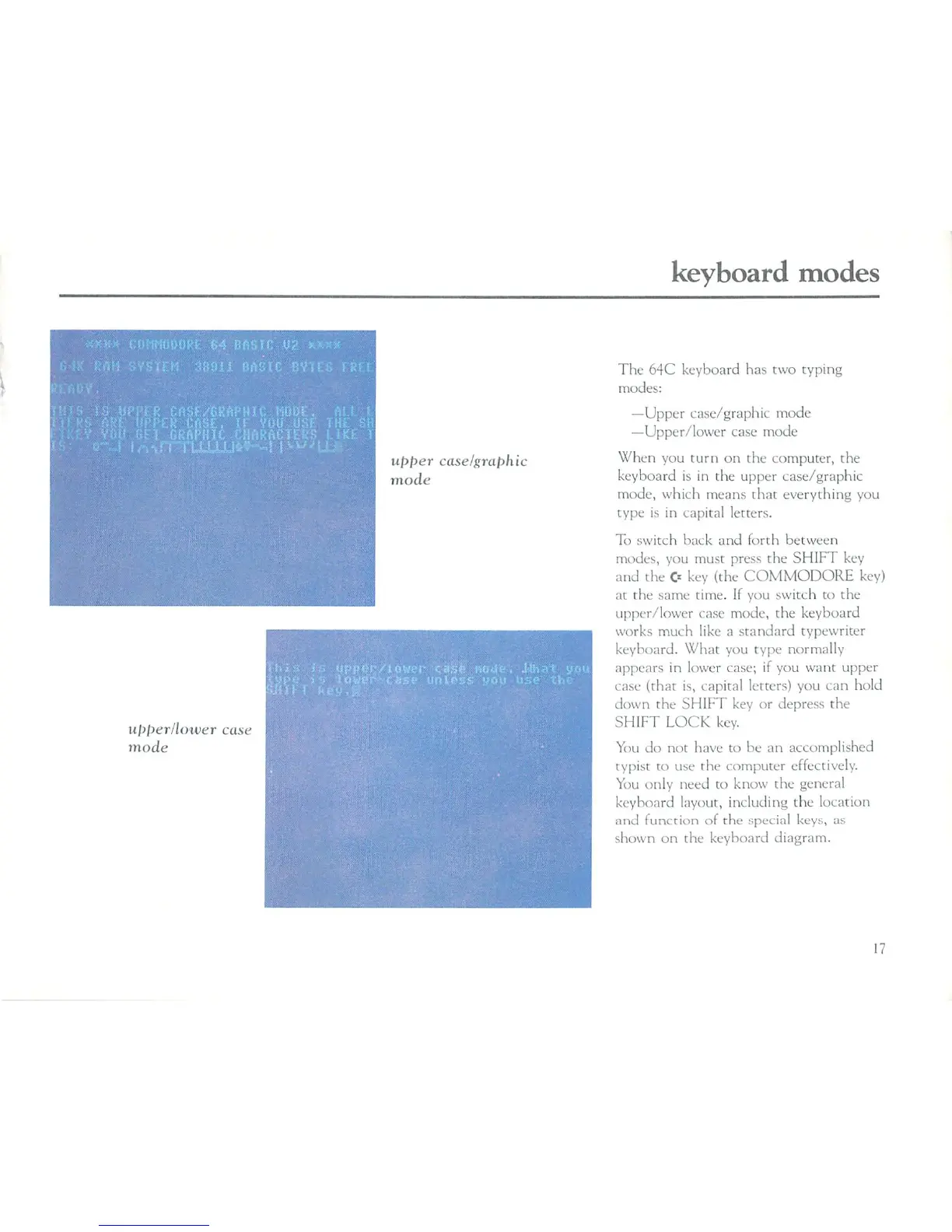
upper
case/graphic
mode
upper/lower
case
mode
The
64C
keyboard
has
two
typing
modes:
—Upper
case/graphic
mode
—Upper/lower
case
mode
When
you
turn
on
the
computer,
the
keyboard
is
in
the
upper
case/graphic
mode, which
means
that
everything
you
type
is
in
capital
letters.
To
switch
back
and
forth
between
modes,
you
must
press
the
SHIFT
key
and
the
C=
key
(the
COMMODORE
key)
at
the
same
time.
If
you
switch
to
the
upper/lower
case
mode,
the
keyboard
works
much
like
a
standard
typewriter
keyboard.
What
you
type
normally
appears
in
lower
case;
if
you
want
upper
case
(that
is,
capital
letters)
you can
hold
down
the
SFIIFT
key
or
depress
the
SHIFT
LOCK
key.
'
You
do
not
have
to
be
an
accomplished
typist
to
use
the
computer
effectively.
You
only
need
to
know
the
general
keyboard
layout,
including the
location
and
function of
the
special
keys,
as
shown
on
the
keyboard
diagram.

Related product manuals