6.
b. Remove the ribbon cassette from the packet and place it carefully
in
front
of
you.
c.
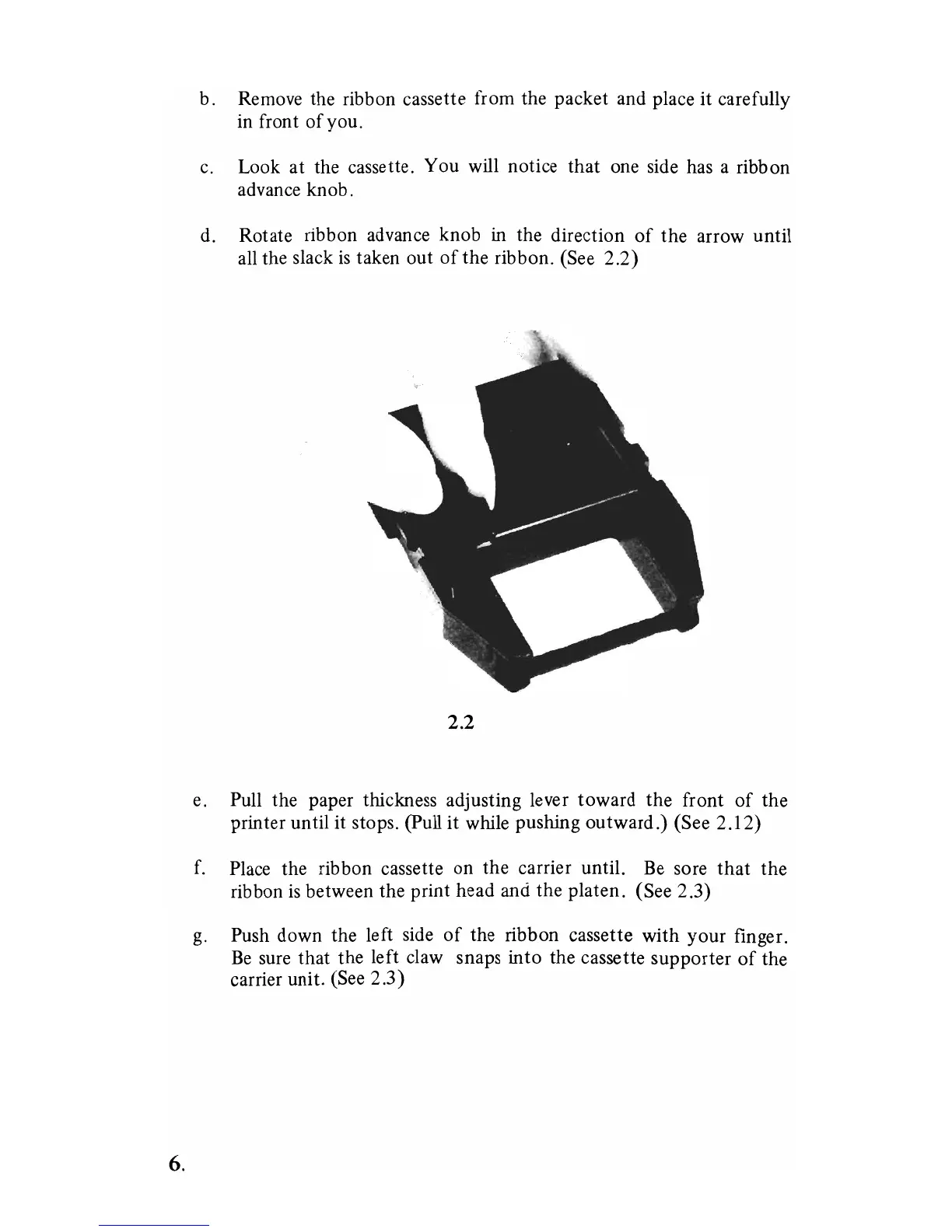
Look at the cassette. You will notice that one side has a ribbon
advance knob.
d.
Rotate ribbon advance knob in the direction
of
the arrow until
all the slack
is
taken out
of
the ribbon. (See 2.2)
2.2
e. Pull the paper thickness adjusting lever toward the front
of
the
printer until
it
stops. (pull it while pushing outward.) (See 2.12)
f.
Place the
rib
bon cassette on the carrier until.
Be
sore
that
the
ribbon
is
between the print head and the platen. (See 2.3)
g.
Push down the left side
of
the ribbon cassette with your finger.
Be
sure that the left claw snaps into the cassette supporter
of
the
carrier unit. (See 2.3)



 To Next Page