EasyManua.ls Logo

Commodore MPS-801 - Page 14

Commodore MPS-801
52 pages
Print Icon
To Next Page IconTo Next Page
To Previous Page IconTo Previous Page
Loading...
1. Ret urn the paper
adJ
ustin g
Jew
r
to
the original
position.
Caution
DO
NOT
TRY
TO
MOVE
THE
CARRIER UNIT (INCLUDING THE
PRINTING HEAD)
MA">"lALLY
FORCING THE CARRIER UNIT
MAY
CAUSE
DAMAGE
TO
THt
PRI,\TER
.
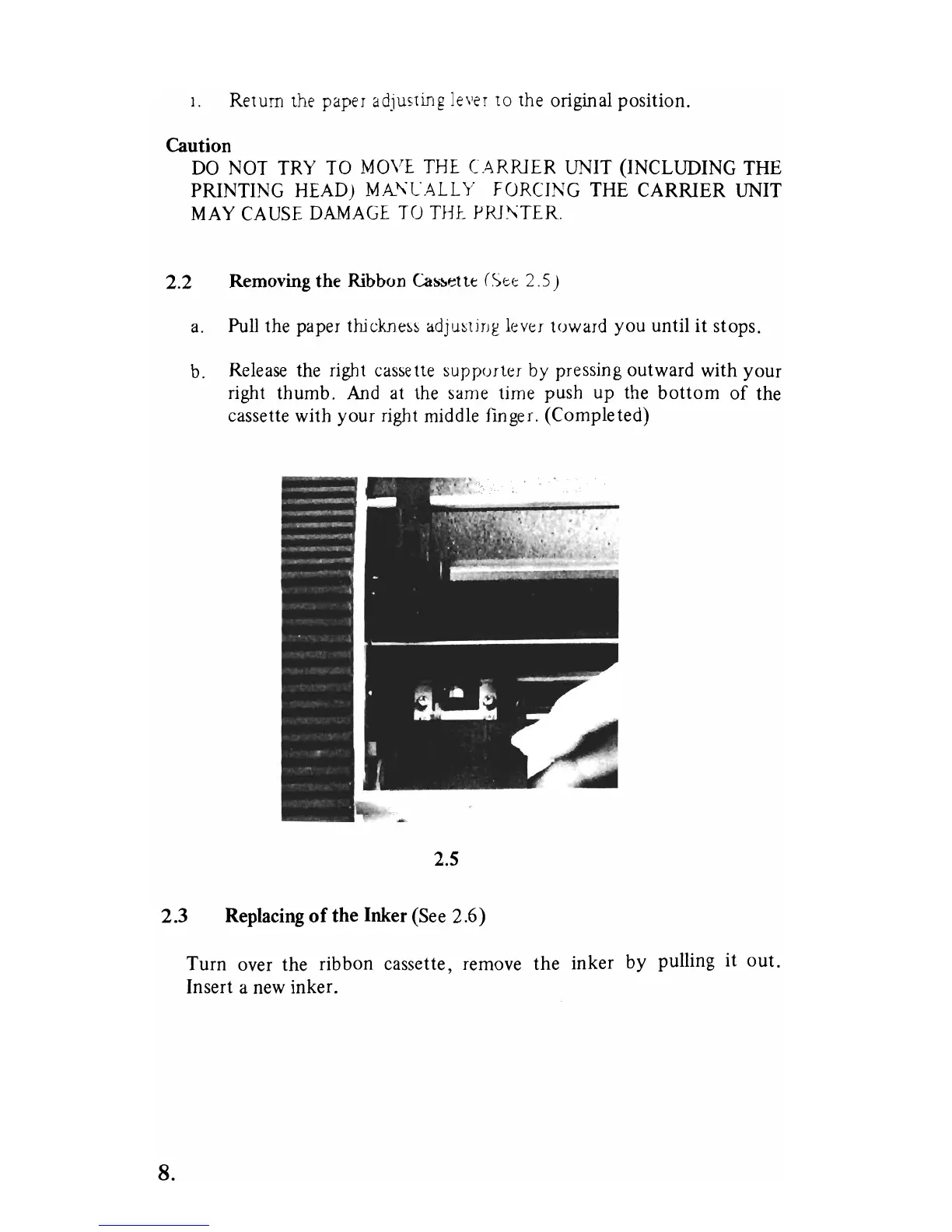
2.2 Removing the Ribbon Casloettt ( Stf;: 2.5)
a.
Pull
the paper
thic;kne~~
adju~ljng
lr:v<::[
toward
you
until
it
stops.
b. Release the right cassette
WpPU[t<::[
by
pressing
outward
with
your
right
thumb.
And
at
the same time
push
up
the
bottom
of
the
cassette with
your
right middle finger.
(Completed)
2.5
2.3 Replacing
of
the Inker (See
2.6)
8.
Turn
over
the
ribbon
cassette, remove
the
inker
by
pulling
it
out
.
Insert a new
inker.

Other manuals for Commodore MPS-801

Related product manuals