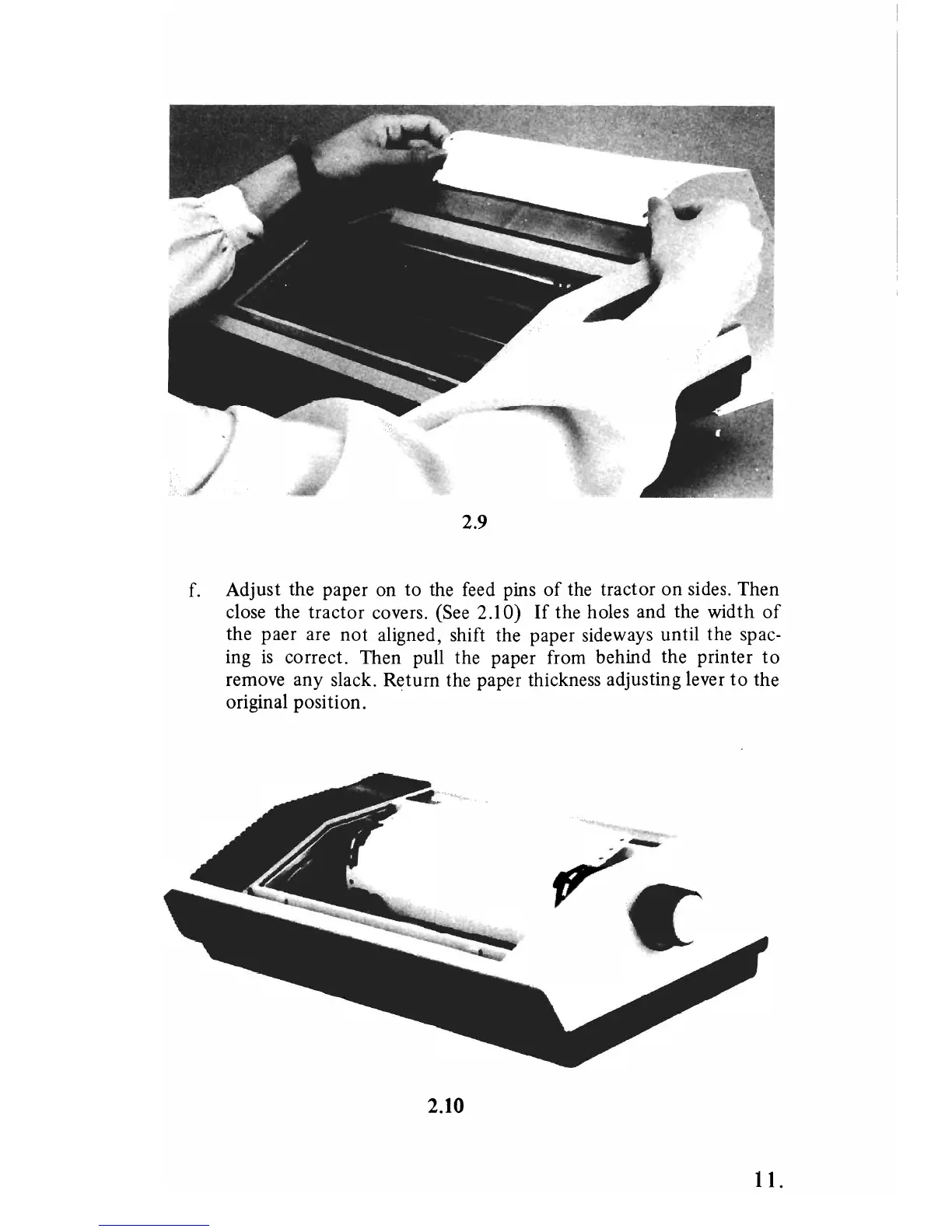
2.9
f. Adjust the paper on to the feed pins
of
the tractor on sides. Then
close the tractor covers. (See 2.10)
If
the holes and the width
of
the paer are
not
aligned, shift the paper sideways until the spac-
ing
is
correct. Then pull the paper from behind the printer
to
remove any slack. Return the paper thickness adjusting lever
to
the
original position.
2.10
11.



 To Next Page