g.
Replace the printer cover. (See
2.11)
Adjust printing position
by
turning the paper feed knob.
2.11
3.2
Printing
Pressure Adjustment
You may adjust the printer pressure
of
the print head according
to
the
thickness
of
the paper.
If
smudging occurs or
if
printing
is
too dark,
move this lever one click hold towards the front
of
the printer at a time
until you are satisfied with
the
printing quality;
if
printing is too light,
move
it
towards the rear printer. When adjusting
the
lever, make sure
that
it
is
placed directly
in
the hole,
not
"in
between"
them.
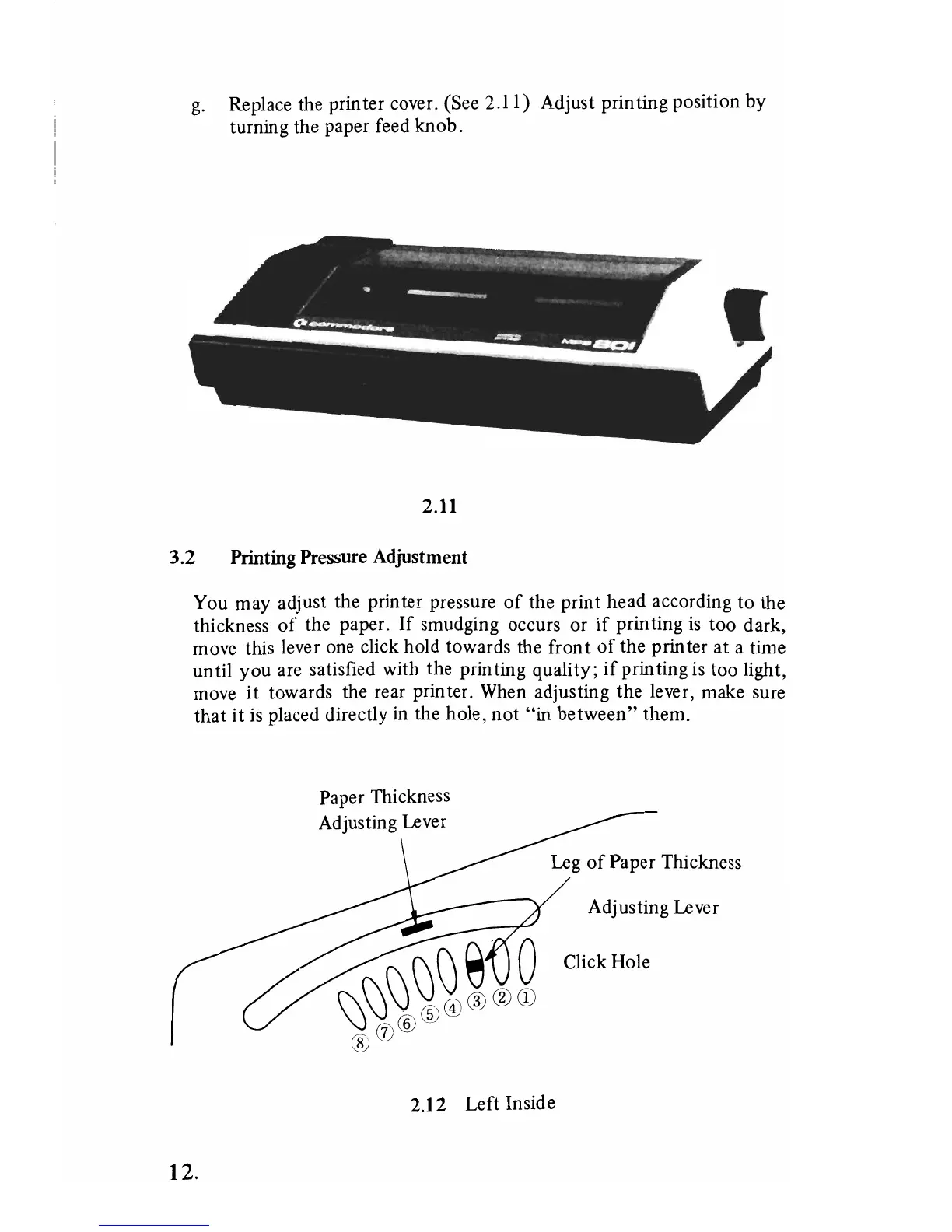
Leg
of
Paper Thickness
Adjusting Lever
Click Hole
2.12 Left Inside
12.



 To Next Page