120
MS-DOS User's Guide
Note
If
you have only
one
disk drive,
MS-DOS
prompts
you
to
insert
the
drive A
disk
Refer
to
the
section
"If
You Have Only
One
Floppy Disk Drive" for
more
information_
I:ru
Press
the
SPACEBAR
to
start
the
diskcopy
program_
When
the
diskcopy program is complete,
MS-DOS
asks:
Copy
another?
(YIN)
[§] Press N
(for
No)
to
end
the
diskcopy
program.
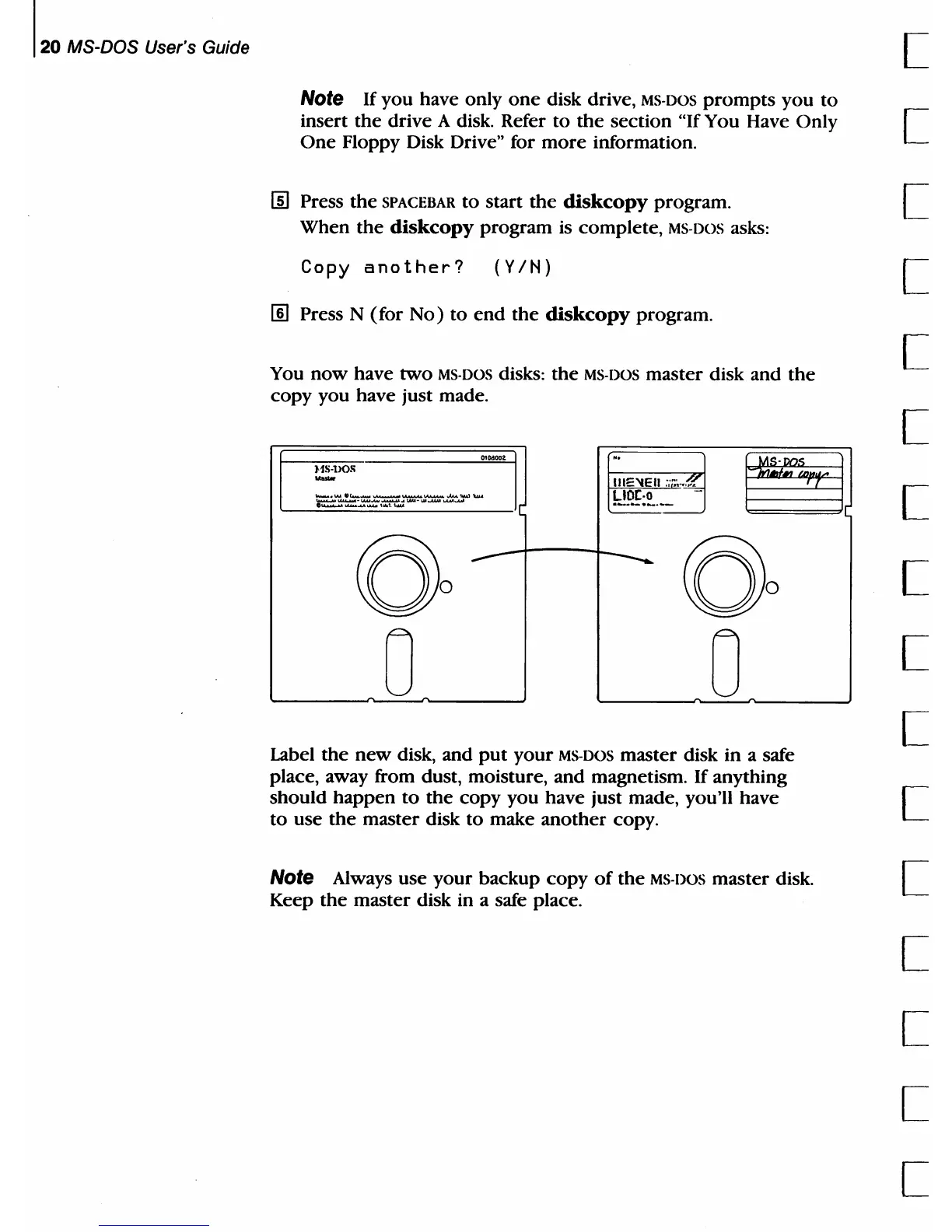
You
now
have
two
MS-DOS
disks:
the
MS-DOS
master disk and
the
copy
you have just
made_
I
--'IJ
..
J
~J
HS-HOS
-
IIIEIiE
II
,';~~
.•
:«
E";"'""'E".E.':':7'.:"""'·'=:~--
I[
!-2~!:~
__
-J
0
00
0
0
Label
the
new
disk, and
put
your
MS-DOS
master disk in a safe
place, away from dust, moisture, and magnetism. If anything
should
happen
to
the
copy you have just made, you'll have
to
use
the
master disk
to
make
another
copy.
Note
Always use
your
backup
copy
of
the
MS-DOS
master
disk
Keep
the
master disk in a safe place.
[
[
[
[
[
[
[
[
[
[
[
[
[
[
[
[



 To Next Page