EasyManua.ls Logo

Commodore PC 10 - Rem

Commodore PC 10
494 pages
Print Icon
To Next Page IconTo Next Page
To Previous Page IconTo Previous Page
Loading...
Rem
Purpose:
During
execution
of
a batch file,
rem
displays remarks that are
on
the
same line as the
rem
command in that batch file.
Syntax:
rem
[comment J
Comments:
The
comment
parameter is a line
of
text
that helps you identify
and
remember
what
your
batch file does.
The only separators allowed in
the
comment
are spaces, tabs, and
commas.
In
your
batch file, you
can
use
rem
without
a
comment
to
add
spacing for readability.
Example:
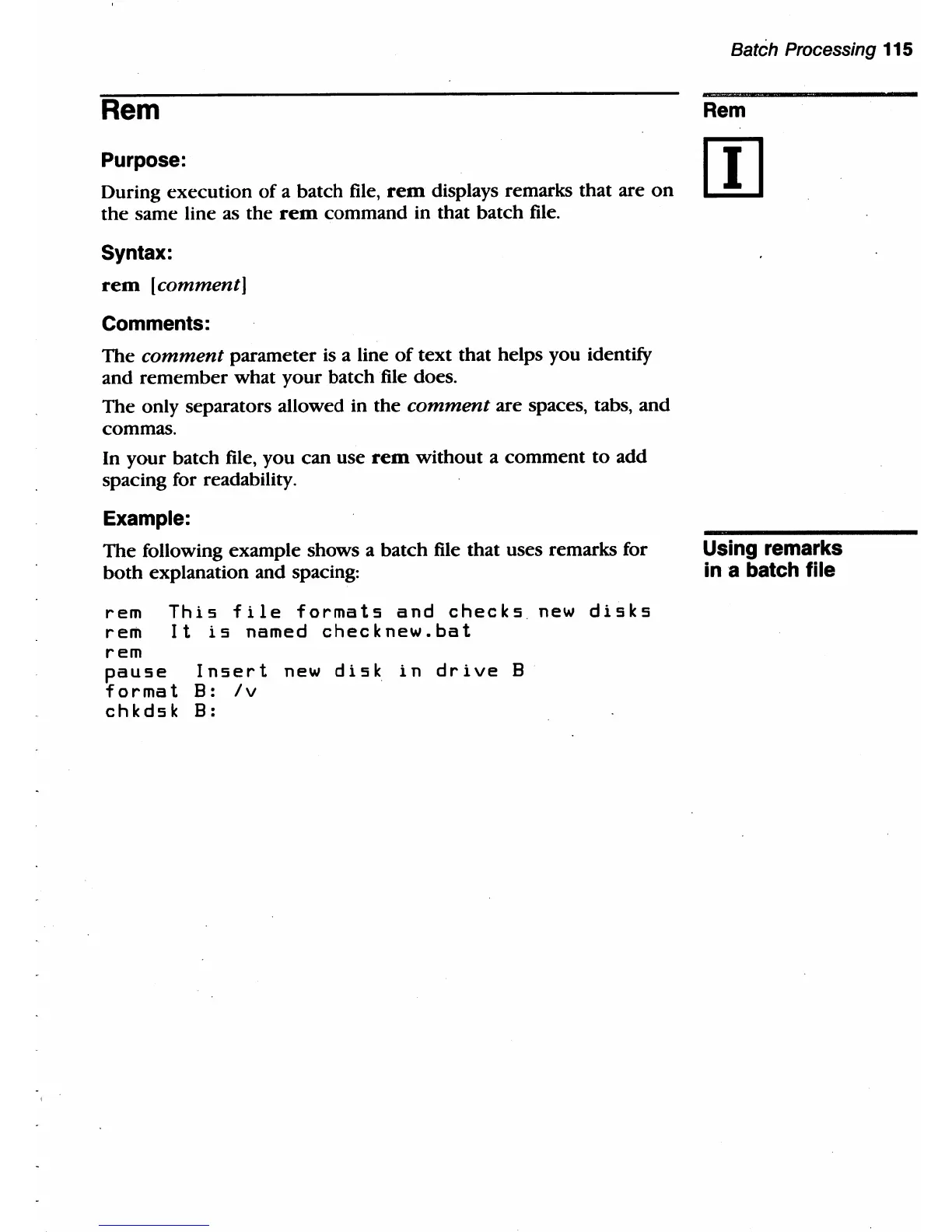
The
following example shows a batch file that uses remarks for
both
explanation and spacing:
rem
This
file
formats
and
checks
new
disks
rem
It
is
named
checknew.bat
rem
pause
format
chkdsk
Insert
new
disk
in
drive
B
B:
Iv
B:
Batch Processing 115
Rem
Using remarks
ina
batch file

Table of Contents

Related product manuals