EasyManua.ls Logo

Commodore PC 10 - How to Rename a Directory

Commodore PC 10
494 pages
Print Icon
To Next Page IconTo Next Page
To Previous Page IconTo Previous Page
Loading...
112
MS-DOS User's Reference
To
remove
all
the
files in a
directory
(except
for
the
U."
and u
..
"
entries),
type
del
followed by
the
path
of
the
directory. For exam-
ple,
to
delete
all files in
the
\ us.er\
emily
directory, type
the
fol-
lowing command:
del
\user\emily
MS-DOS
prompts
you
with
the
following message:
Are
you
sure
(YIN)?
If
you really
want
to
delete
all
the
files in
the
directory, type Y
(for
Yes).
If
not, type N
(for
No)
to
stop
the
command.
Now
you
can
use
the
rmdir
command
to
delete
the
\user\emily
directory
by typing
the
following command:
rmdir
\user\emily
Shortcut To save time you can also use
the
letters
rd for
the
rmdir command.
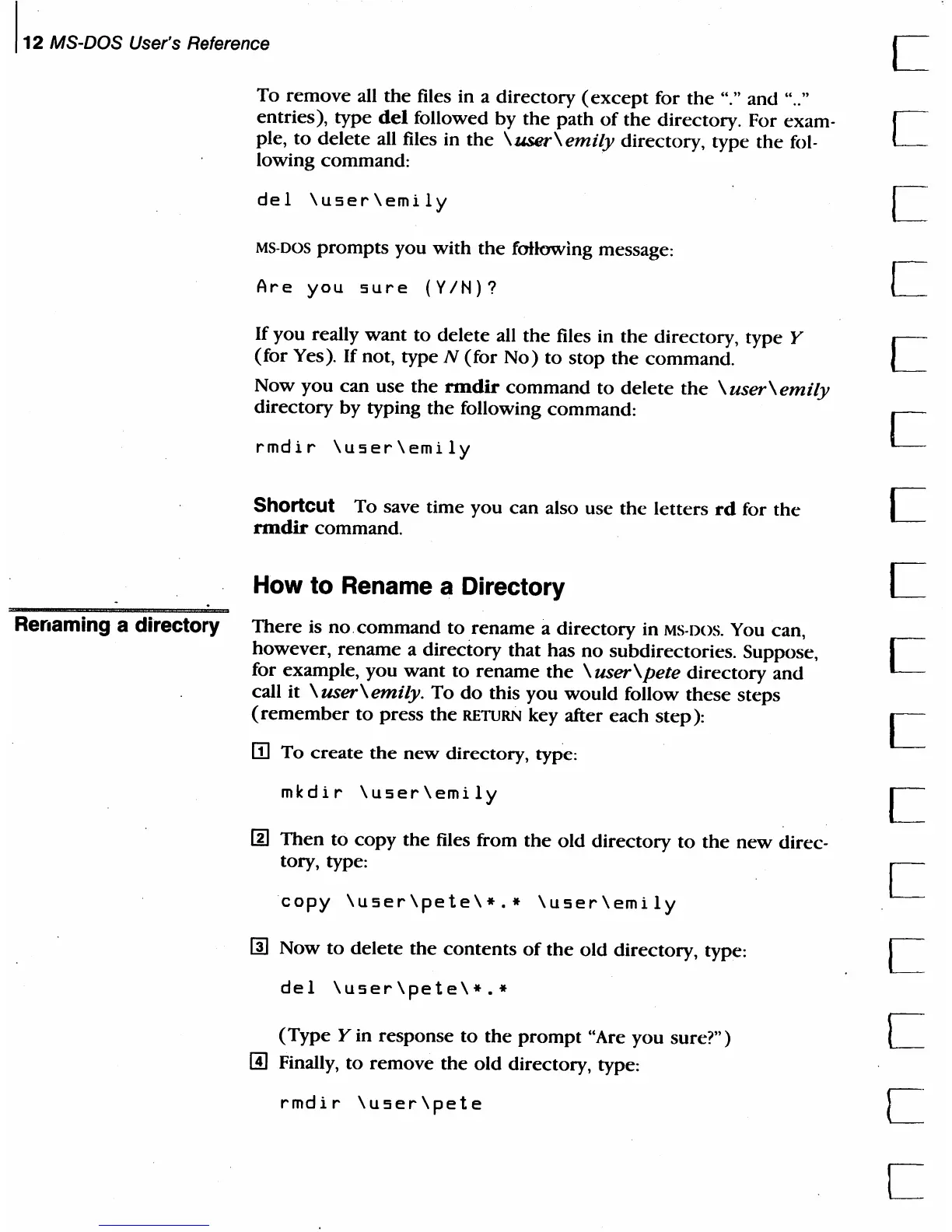
How to Rename a Directory
Rerlaming a directory
There
is
no.command
to
rename
a
directory
in MS·DOS. You can,
however,
rename
a directory that has
no
subdirectories. Suppose,
for example,
you
want
to
rename
the
\ user
\pete
directory
and
call
it
\user\emily.
To
do
this
you
would
follow
these
steps
(remember
to
press
the
RETURN
key after
each
step):
m To
create
the
new
directory, type:
mkdir
\user\emily
/j]
Then
to
copy
the
files from
the
old
directory
to
the
new
direc-
tory, type:
copy
\user\pete\*.*
\user\emily
rn
Now
to
delete
the
contents
of
the
old
directory, type:
del
\user\pete\*.*
(Type
Y in response
to
the
prompt
uAre
you sure?")
rn
Finally,
to
remove
the
old
directory, type:
rmdir
\user\pete
c
c
c

Table of Contents

Related product manuals