~:
2e
Appendix C
[__
Special Key Sequences
C
L
[~
C
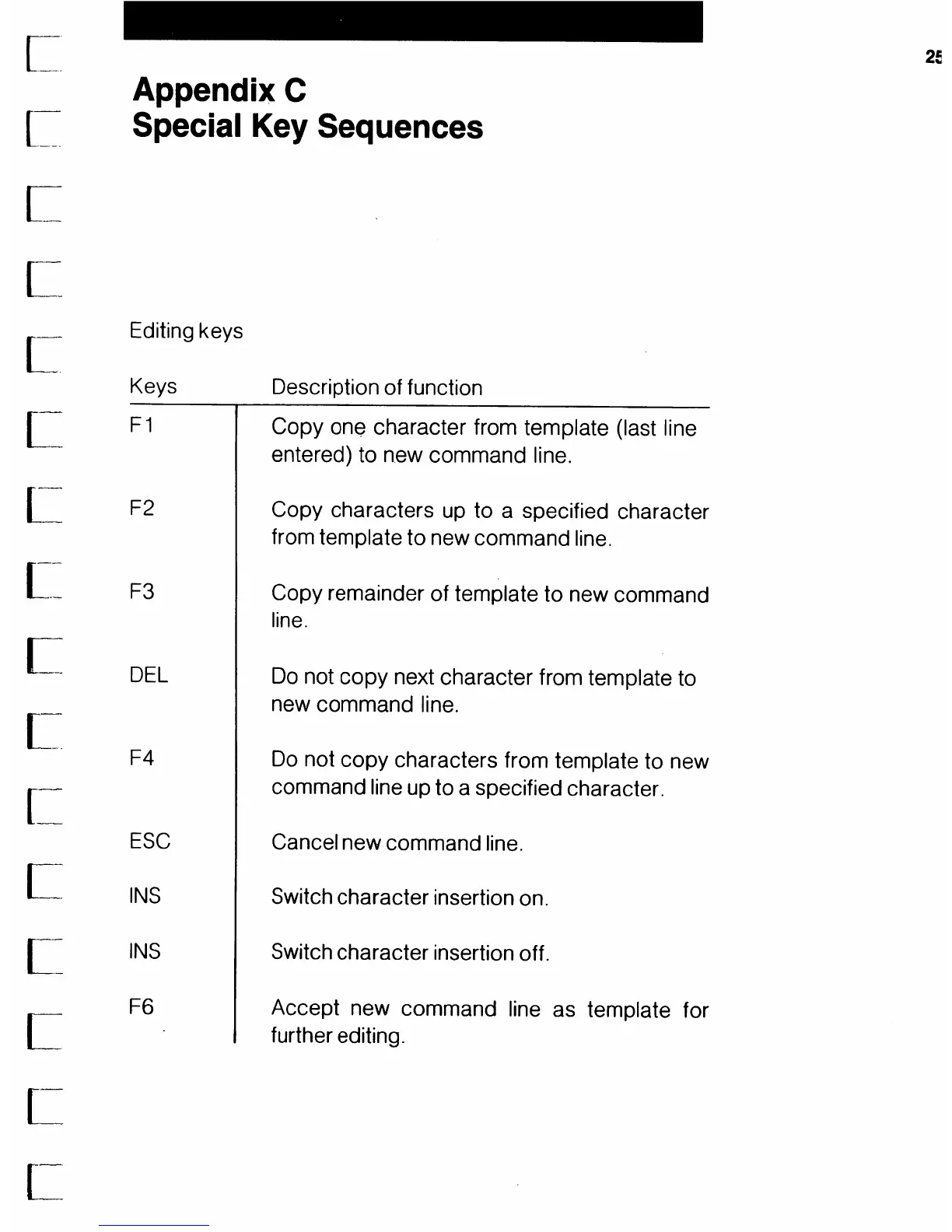
Editing keys
Keys Description of function
F1
F2
F3
DEL
F4
Copy one character from template (last line
entered) to new command line.
Copy characters
up
to a specified character
from template to new command line.
Copy remainder of template to new command
line.
Do
not
copy
next character from template to
new command line.
Do
not copy characters from template to new
command line up to a specified character.
ESC
Cancel new command line.
INS
INS
F6
Switch character insertion on.
Switch character insertion off.
Accept new command line as template for
further editing.



 To Next Page