EasyManua.ls Logo

Commodore PC 10 - Page 212

Commodore PC 10
494 pages
Print Icon
To Next Page IconTo Next Page
To Previous Page IconTo Previous Page
Loading...
174
MS-DOS User's Reference
The
print
command,
when
used
without
options, displays
the
contents
of
the
print
queue
on
your
screen
without
affecting
the
queue.
Note Each print
queue
entry may contain a maximum
of
64
characters, including
the
drive name.
So,
if
you
want
to
print
files
in
deep
subdirectories
(many
levels
down),
you may
need
to
change directories.
Examples:
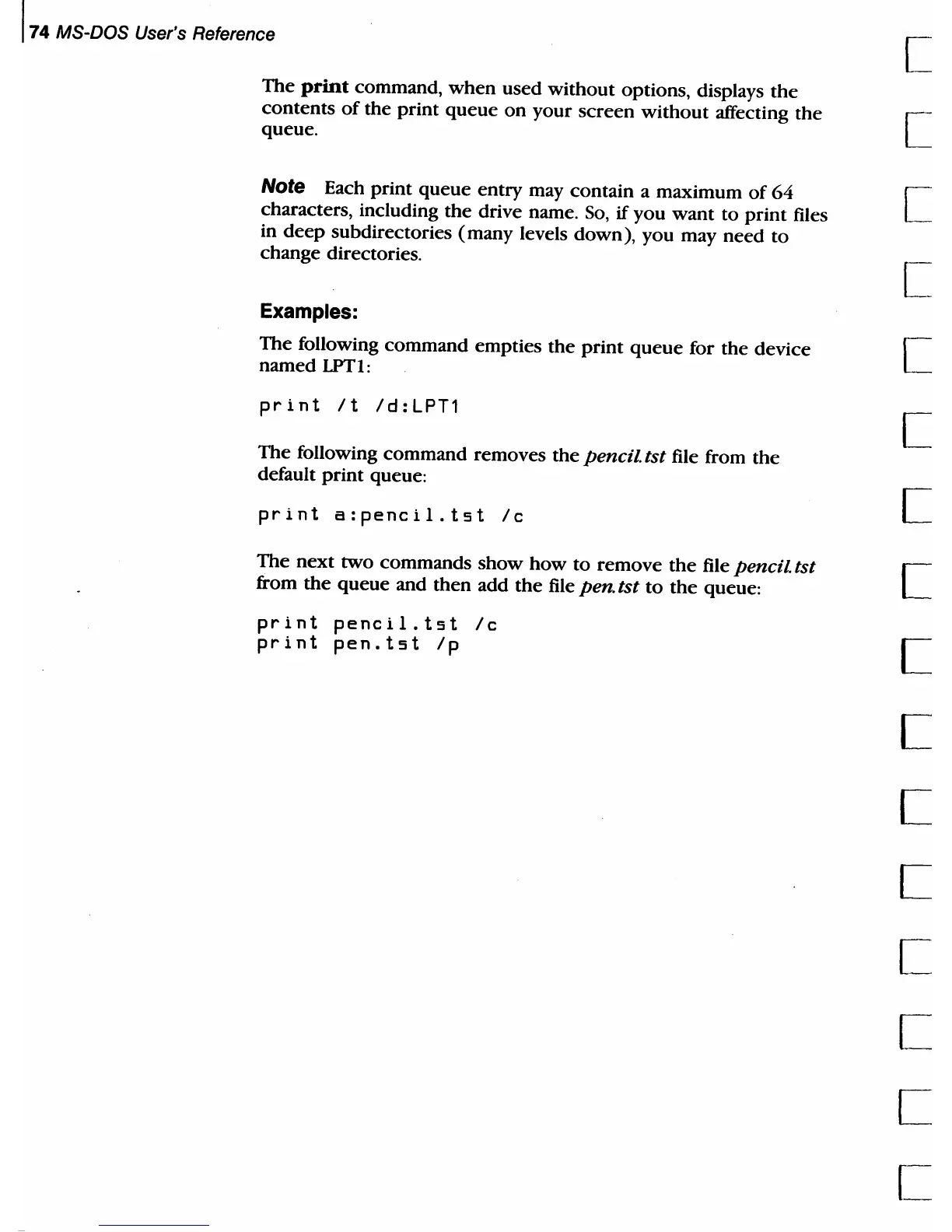
The
following command empties
the
print
queue
for the device
named
LPTl:
print
It
Id:LPT1
The
following command removes
the
pencil
tst
file from
the
default
print
queue:
print
a:peneil.tst
Ie
The
next
two commands
show
how
to
remove
the
file
pencil
tst
from
the
queue
and
then
add
the
file
pen
tst
to
the
queue:
print
peneil.tst
Ie
print
pen.tst
Ip
[
[
[
[
[
[
c

Table of Contents

Related product manuals