186 MS-DOS User's Reference
[
lJsing
Link
with
I:ommand
line
options
Note When linking modules
produced
by
a high-level-language
compiler
that supports overlays, you
must
specify overlay modules
by putting
them
in parentheses. Since
MASM
has
no
overlay
manager, you can specify overlays only for
object
files linked
with
the
run· time library
of
a language
compiler
that
supports
overlays.
For example, you
can
use overlays with modules compiled with
Microsoft
FORTRAN versions 3.2 and later, Microsoft Pascal versions
3.2
and
later, and Microsoft C versions 3.0 and later. See your
language compiler's manual for details
on
specifying overlays.
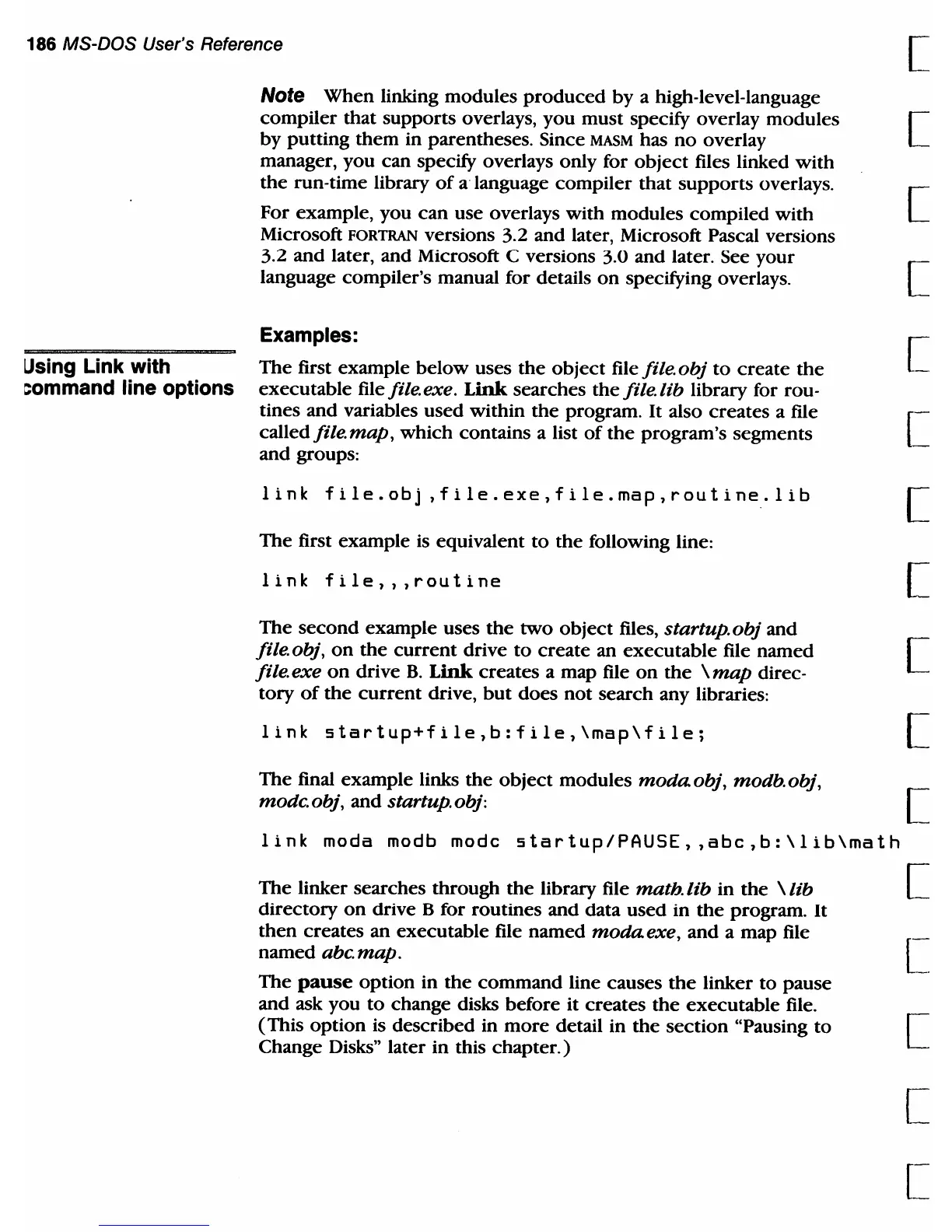
Examples:
The
first example
below
uses
the
object
file file.obj
to
create
the
executable file file. exe. Link searches
the
file. lib library for rou-
tines and variables used within
the
program.
It
also creates a file
called
file
map,
which contains a list
of
the
program's segments
and groups:
1
ink
f i 1 e . 0 b j
,f
i 1 e .
ex
e , f i 1 e .
rna
p , r 0 u
ti
n
e.
1 i b
The first example
is
equivalent
to
the
following line:
[
[
[
[
[
[
link
file",routine
[
The
second
example uses
the
two
object
files, startup.obj and
file.obj,
on
the
current
drive
to
create
an
executable
file named [
file.exe
on
drive
B.
Link
creates a map file
on
the
\map
direc-
tory
of
the
current
drive,
but
does
not
search any libraries:
link
startup+file,b:file,\map\file;
[
The final example links
the
object
modules
modaobj,
modb.obj, [
modc.obj,
and startup.obj:
link
moda modb mode
startup/PAUSE"abe,b:\lib\math
The
linker searches through
the
library file math.
lib
in
the
\ lib
directory
on
drive B for routines and data used in
the
program.
It
then
creates an executable file named
modaexe,
and a map file
named
abc.
map.
The
pause
option in
the
command
line causes
the
linker
to
pause
and ask you
to
change disks before it creates
the
executable
file.
(This
option
is described
in
more
detail in
the
section
"Pausing
to
Change Disks" later in this
chapter.)
[
[
[
[
[-



 To Next Page