EasyManua.ls Logo

Commodore PC 10 - Page 357

Commodore PC 10
494 pages
Print Icon
To Next Page IconTo Next Page
To Previous Page IconTo Previous Page
Loading...
r-
r
L_
Examples:
Suppose
you
type the following command:
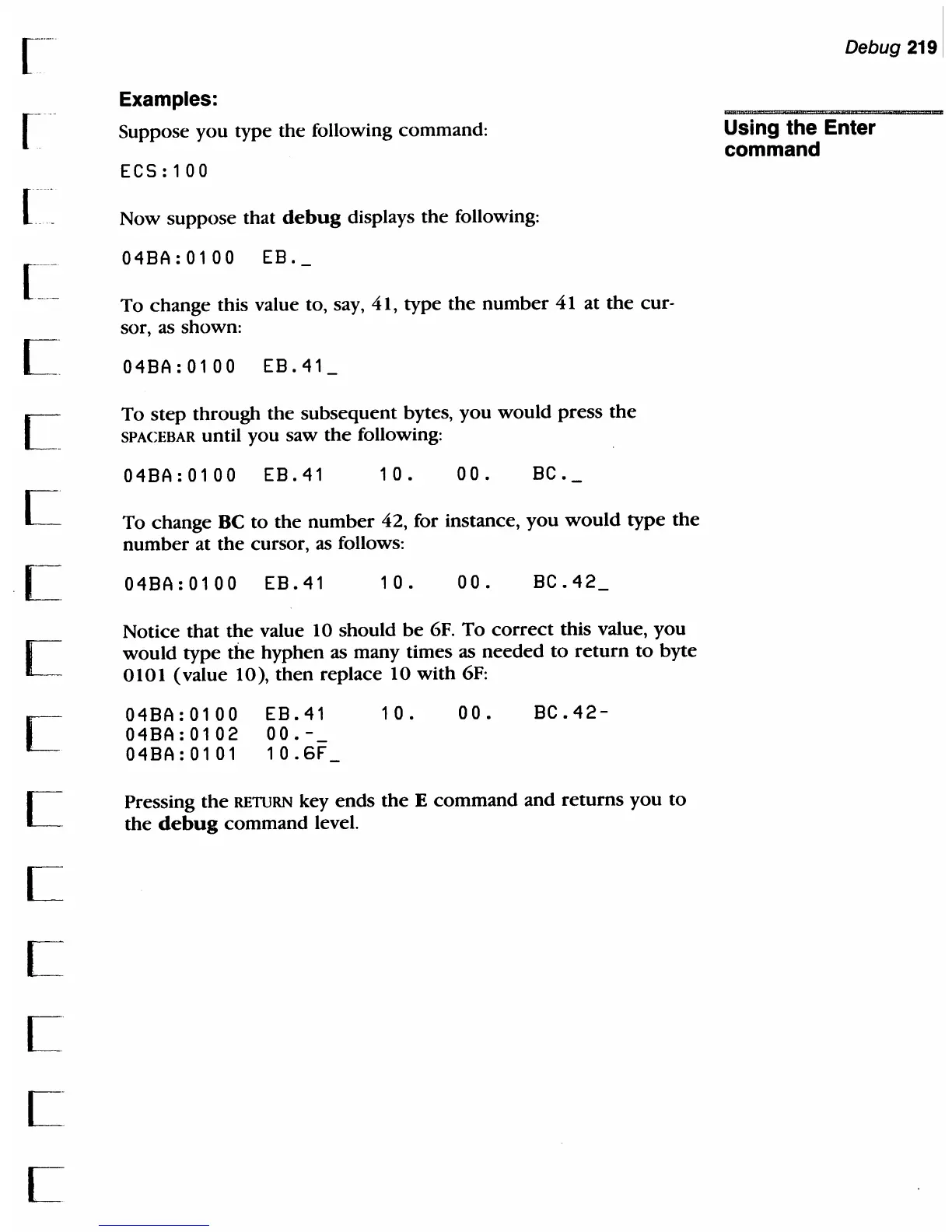
ECS:100
Now suppose that
debug
displays
the
following:
04BA:0100
EB.
To
change
this value to, say, 41, type
the
number
41 at
the
cur-
sor, as shown:
04BA:0100
EB.41
To
step
through the
subsequent
bytes,
you
would
press
the
SPACEBAR until you saw
the
following:
04BA:0100
EB.41
10.
00.
BC.
To change BC
to
the
number
42, for instance,
you
would
type
the
number
at
the
cursor, as follows:
04BA:0100
EB.41
1 0 .
00.
BC.42
Notice
that
the
value 10 should
be
6F.
To
correct
this value,
you
would
type tite
hyphen
as many times as
needed
to
return
to
byte
0101
(value
10),
then
replace 10
with
6F:
04BA:0100
04BA:0102
04BA:0101
EB.41
00.-_
10.6F
1 0
00.
BC.42-
Pressing
the
RETIJRN key
ends
the
E
command
and
returns
you
to
the
debug
command
level.
Debug
2191
Using the Enter
command

Table of Contents

Related product manuals