EasyManua.ls Logo

Commodore PC 10 - Page 371

Commodore PC 10
494 pages
Print Icon
To Next Page IconTo Next Page
To Previous Page IconTo Previous Page
Loading...
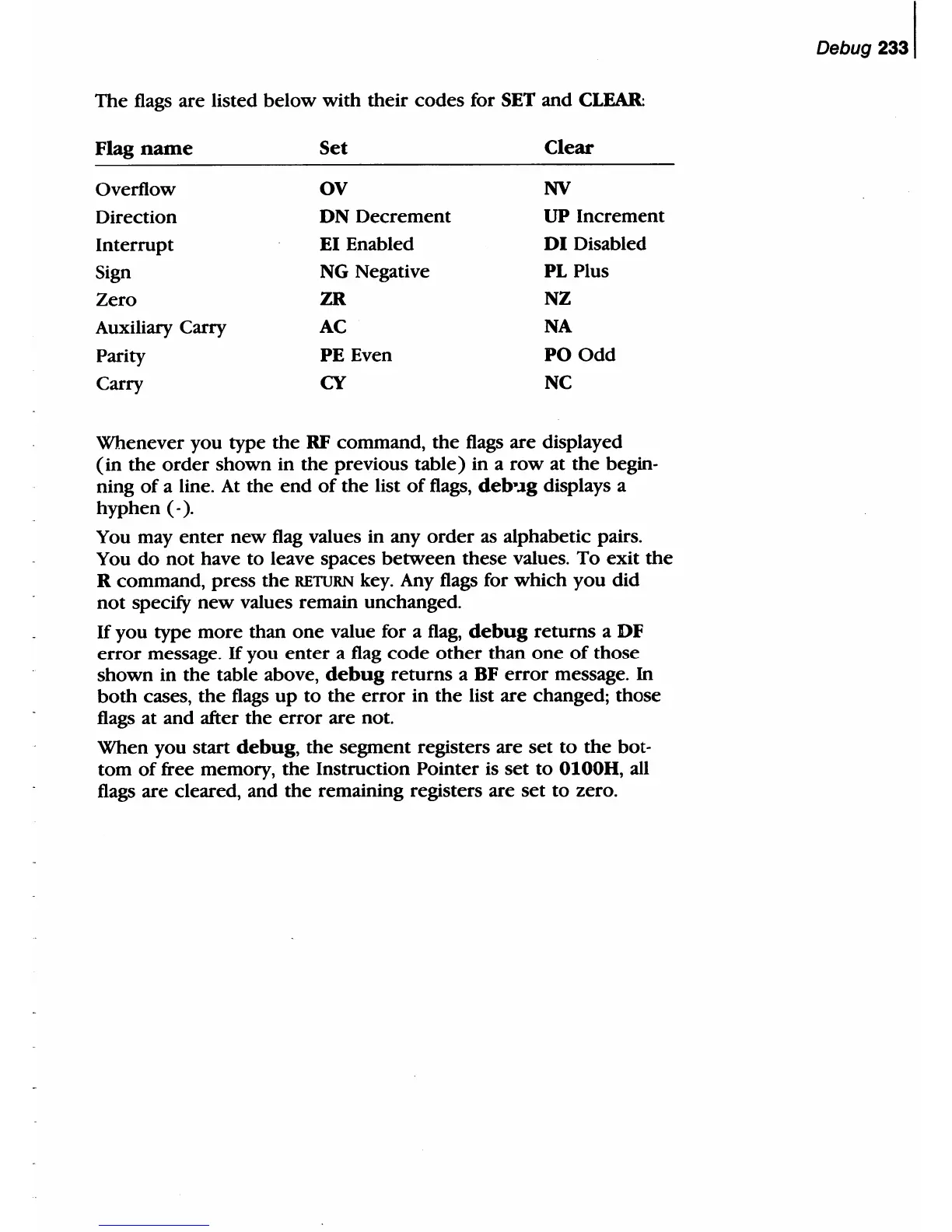
The
flags are listed
below
with
their
codes
for SET and
CLEAR:
Flag
name
Set
Clear
Overflow OV
NV
Direction
DN
Decrement
UP
Increment
Interrupt
EI Enabled
DI
Disabled
Sign
NG
Negative PL Plus
Zero
ZR NZ
Auxiliary Carry
AC
NA
Parity
PE Even
PO
Odd
Carry CY
NC
Whenever
you type
the
RF command,
the
flags are displayed
(in
the
order
shown in
the
previous
table)
in a
row
at
the
begin-
ning
of
a line.
At
the
end
of
the
list
of
flags, debĀ·.lg displays a
hyphen
(-).
You may
enter
new
flag values in any
order
as alphabetic pairs.
You
do
not
have to leave spaces
between
these values.
To
exit
the
R command, press
the
RETURN key. Any flags for
which
you
did
not
specify
new
values remain unchanged.
If
you type
more
than
one
value for a
flag,
debug
returns
a
DF
error
message. If you
enter
a flag
code
other
than
one
of
those
shown
in
the
table above,
debug
returns
a BF
error
message.
In
both
cases,
the
flags
up
to
the
error
in
the
list are changed;
those
flags at and after
the
error
are not.
When
you start
debug,
the
segment registers are
set
to
the
bot-
tom
of
free memory,
the
Instruction Pointer is
set
to
0100H, all
flags are cleared, and
the
remaining registers are
set
to
zero.
Debug
2331

Table of Contents

Related product manuals